Store operations · Queues
In-Queue Merchandising: Sell More While Shoppers Wait
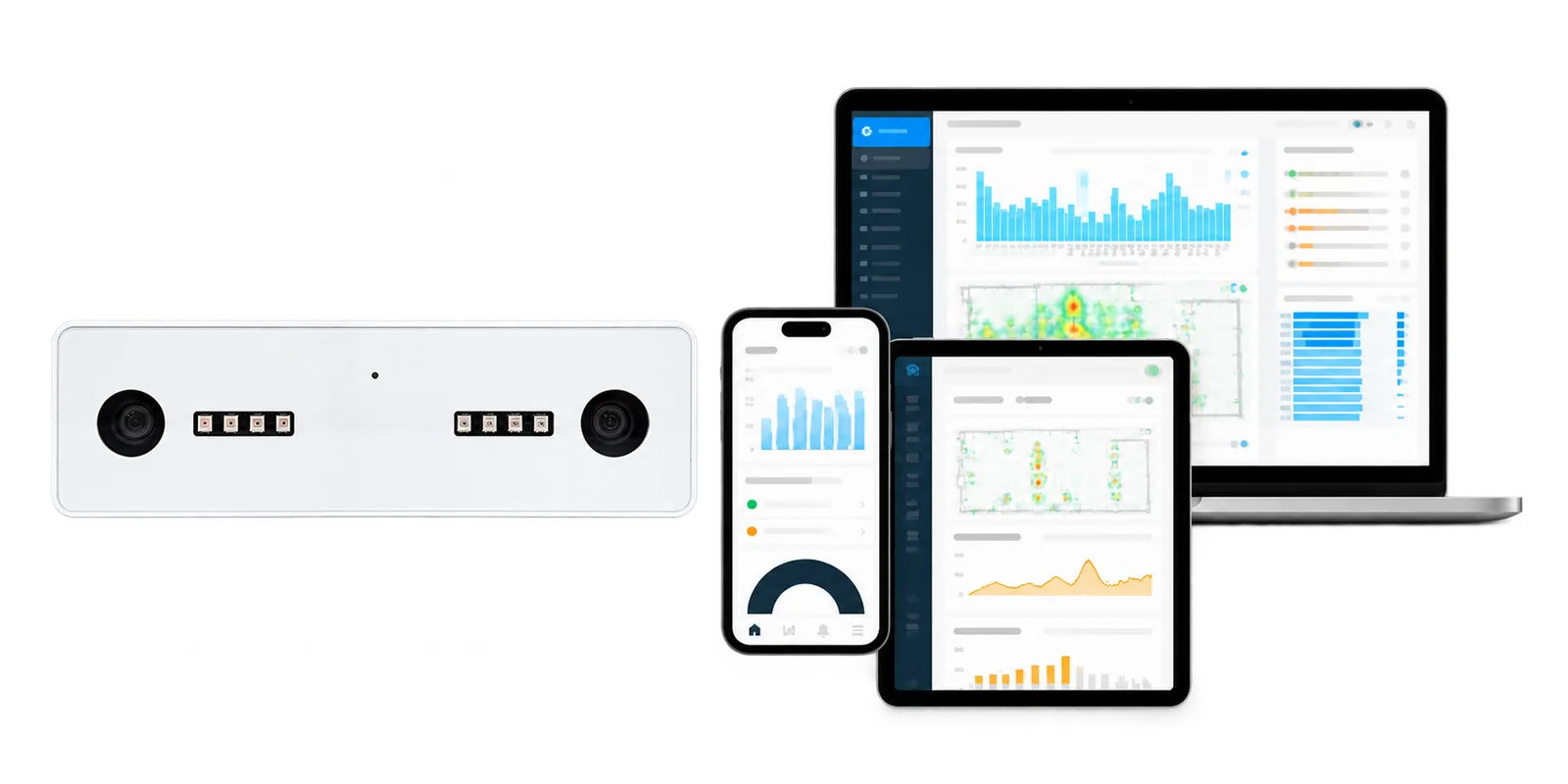
In-queue merchandising places small, easy-to-add products along the checkout line so waiting shoppers can add them to the basket. Queue analytics show how long and how busy the line is, so you can size the display and check that the line keeps moving.
V-Count measures the queue with Nano AI sensors and queue management in BoostBI; your POS shows whether the queue products sell.
What in-queue merchandising is
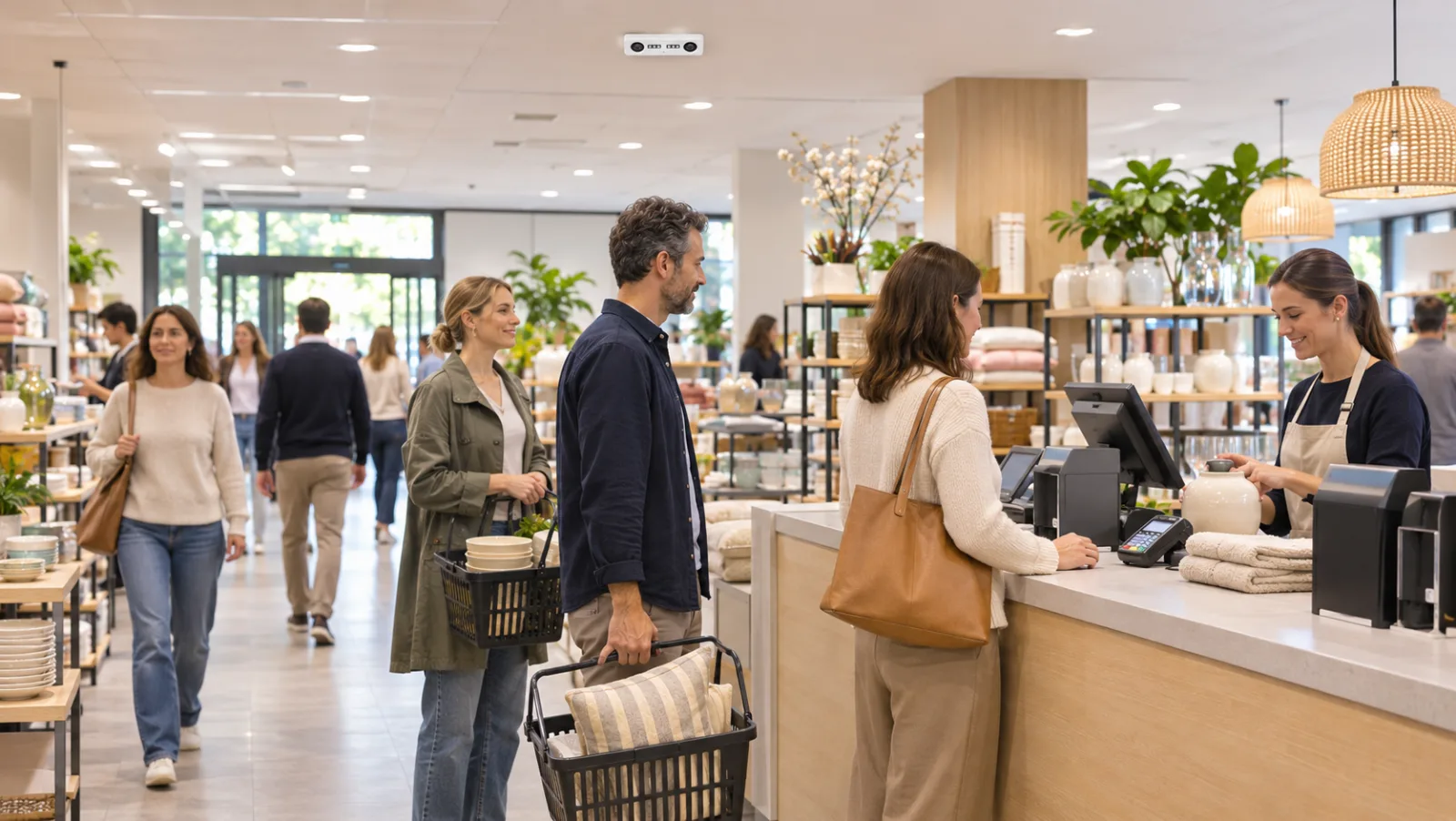
A display along the checkout line with products that are easy to decide on and easy to carry: snacks, travel sizes, accessories, gift cards and seasonal small items.
It works because shoppers have time to look while they wait. It fails when the display slows the line down or blocks the way.
How to measure in-queue merchandising
Queue length and wait
Queue analytics show how many people wait and for how long, by hour.
Attach rate
Share of transactions that include a queue item, from your POS.
Sales per queue item
Units and revenue per product, compared week by week.
Busy hours
Match restocking and staffing to the hours with the longest lines.
Keep the line moving
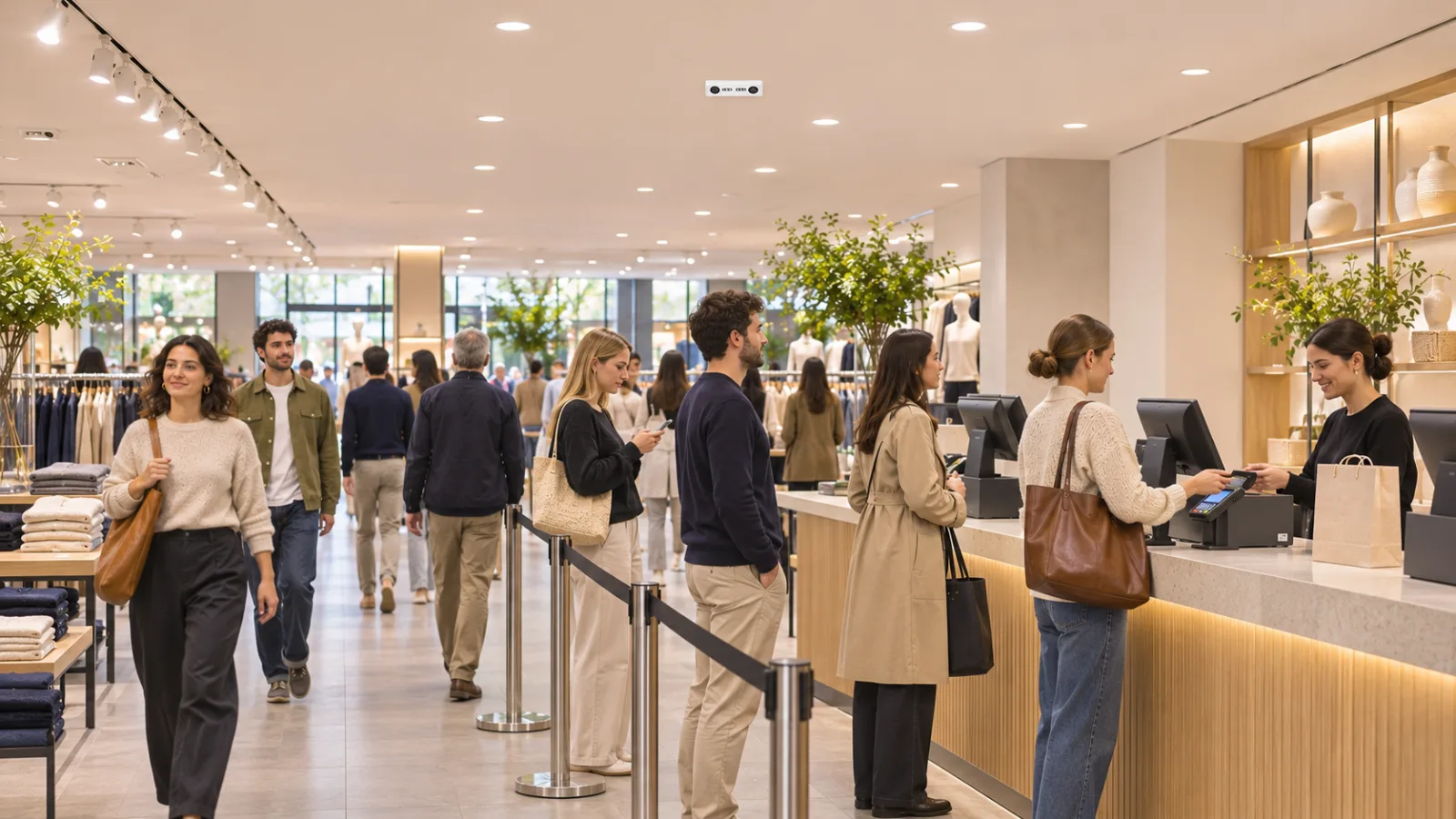
- Open another till or use line busting when the queue passes your limit.
- Keep the walkway clear around the display.
- Rotate products and compare attach rate before and after.
- Review wait times by hour, not only daily averages.
Read line busting strategies.
How it works
Three steps from the door to a report for every location.
- Sensors at the entrancesNano AI sensors on the ceiling above each entrance count visitors in and out. They process everything on the device and send only anonymous counts, and staff can be kept out of the count.
- BoostBI dashboardsBoostBI reports visits by hour, day, store and region, typically refreshed every 10 minutes, or every minute in real-time mode, on the web and in the mobile app, with a weekly AI Sales Coach for each store.
- POS integrationSales arrive through native Shopify and Nebim connectors, working VendPOS, Nayax, ImagineX and QuickBooks integrations, manual import or the open REST API, so conversion is calculated, not estimated. See people counter POS integration.
Frequently Asked Questions
Straight answers about measuring physical stores with V-Count.
Request a demo
What is in-queue merchandising?
Placing small, easy-to-add products along the checkout line so waiting shoppers add them to their basket. V-Count measures the queue with Nano AI sensors and BoostBI queue analytics so you can see when the line is long enough for the display to matter.
What products work best in a checkout queue?
Low-price, easy-decision items: snacks, drinks, travel sizes, accessories, gift cards and seasonal small items.
How do you measure in-queue merchandising?
Track the attach rate of queue items in your POS and compare it with queue length and wait time by hour. V-Count provides the queue side.
Does in-queue merchandising make queues slower?
It can if the display blocks the walkway. Watch wait times by hour and open another till or use line busting when the queue passes your limit.
How does V-Count help with checkout queues?
V-Count Nano AI sensors measure the people in the line and BoostBI shows queue length and wait time by hour. Queue results are validated separately after installation.
What is line busting?
Serving customers before they reach the till, for example with a mobile POS, to shorten the queue.
Make waiting time selling time
- queue length
- wait time
- attach rate
- line busting
- POS