People counter installation · Step by step
People Counter InstallationFrom floor plan to first count.
No site survey needed.
A practical guide to placing, mounting, connecting and validating overhead people counters at store entrances.
Send us your floor plan and entrance photos. We’ll return placement advice within 24 hours.
Trusted by leading brands
across 130+ countries
01 / Before you start
Gather the facts
about every entrance.
Good counts start with good placement. Collect these details for each public entrance before choosing sensors.
- Entrance width and ceiling height
- Door swing, signs, light fittings and other ceiling obstructions
- Nearest power point and Wi-Fi coverage at the mounting position
- Photos from inside and outside the entrance
- A floor plan marking every public entrance and exit
Missing one entrance makes occupancy and conversion figures unreliable. Include side doors, mall-side entrances and car-park access.

02 / Six steps
From doorway
to first count.
The same sequence works for a single shop or a rollout across many stores.
Map every entrance
Mark each public entrance on the floor plan with its width and ceiling height. Decide which entrances count towards each store or zone.
Choose the sensor
Nano AI for indoor entrances, Nano Outdoor for weather-exposed areas and Nano Prime for zones, heatmaps and dwell time inside the store.
Mount overhead
Fix the sensor above the entrance looking straight down, between 2.2 and 7 metres for Nano AI. A recessed option helps it sit neatly in the ceiling.
Power and connect
Nano AI runs on 5 V USB-C and sends data over Wi-Fi. An external PoE splitter is optional. Confirm power and signal at each position.
Set the counting line
Draw the line that separates entries from exits, then set staff exclusion by lanyard, shoulder tag or mobile app if you need it.
Check against a manual count
Compare sensor counts with a manual sample in quiet and busy hours. Adjust placement or settings before you roll out further.
03 / Choose the sensor
The right sensor
for each location.
Each V-Count sensor answers a different question. Match the sensor to where it will be installed.
| Sensor | Where to install | How it counts | Installation notes |
|---|---|---|---|
| Nano AI | Indoor shop and building entrances | 3D active stereo vision with on-device AI; entries and exits separately | 2.2–7 m overhead · 5 V USB-C · Wi-Fi · optional PoE splitter · counts at 0 lux |
| Nano Outdoor | Storefronts, promenades and weather-exposed entrances | 3D stereo vision | Operating temperature −25 °C to +60 °C · assess exposure and mounting |
| Nano Prime | Inside the store, above zones and displays | Indoor zone sensor for heatmaps, zone visits, dwell time and visitor flow | Plan coverage around the zones you want to measure |

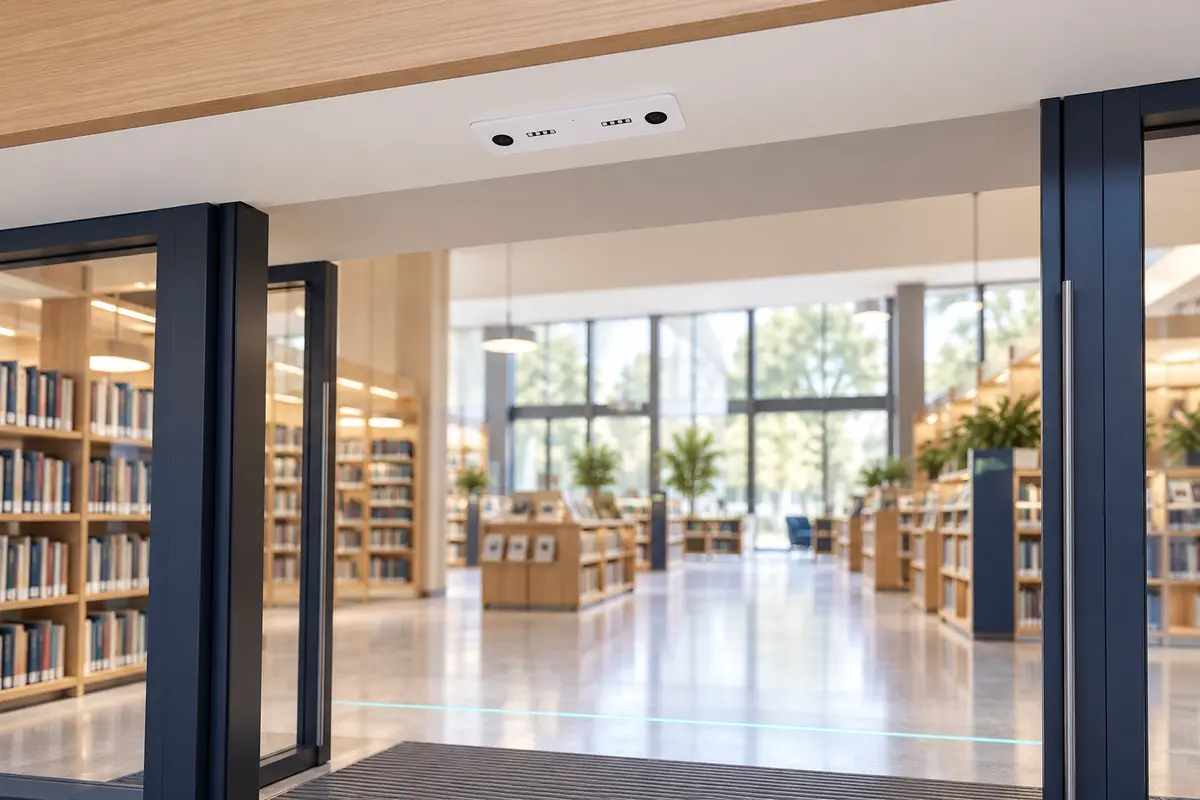
Low light is fine
Built-in infrared illumination lets Nano AI count at 0 lux. Check glare and reflections from glazing during placement.
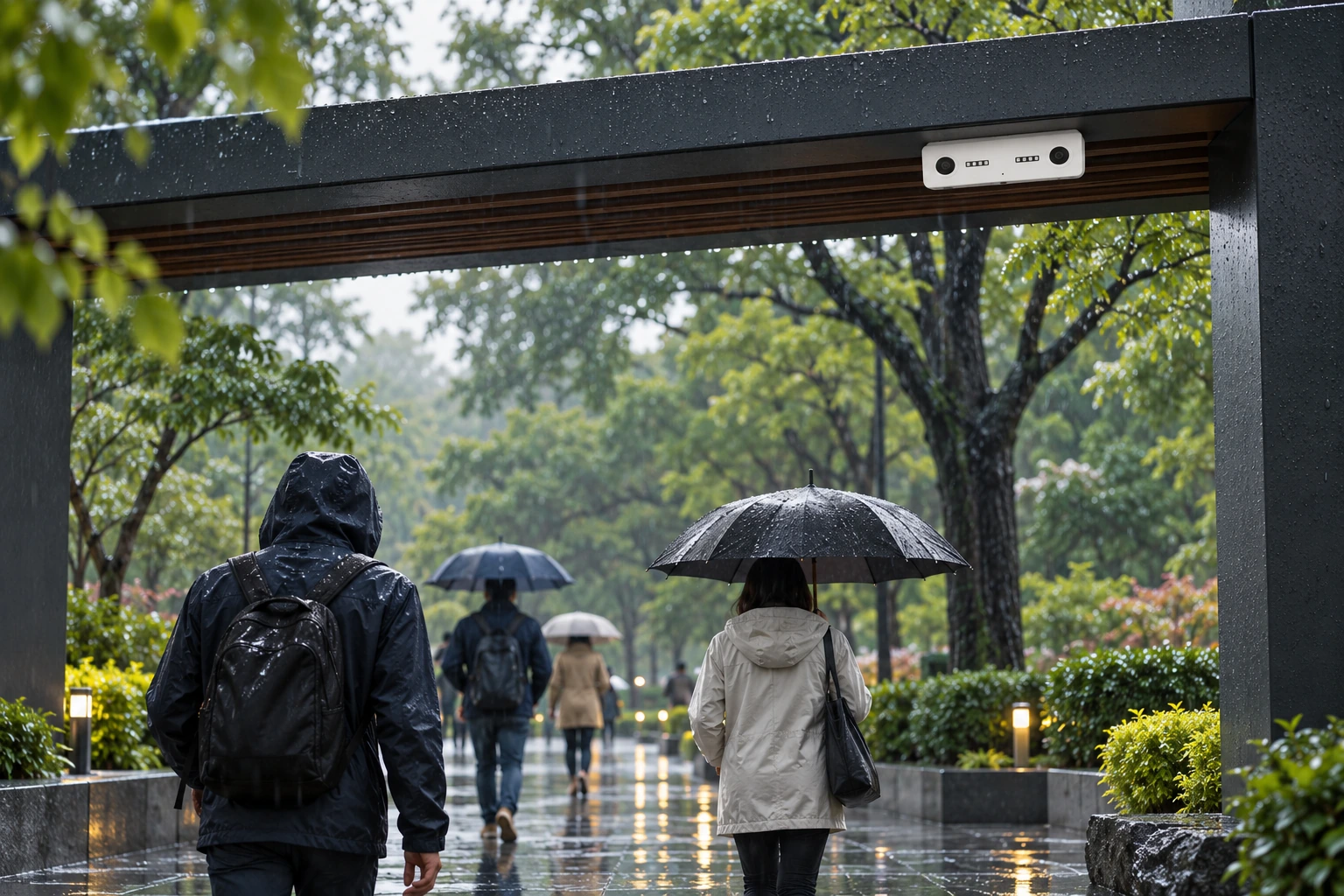
Outdoors needs Nano Outdoor
For entrances exposed to weather, use Nano Outdoor, rated from −25 °C to +60 °C.
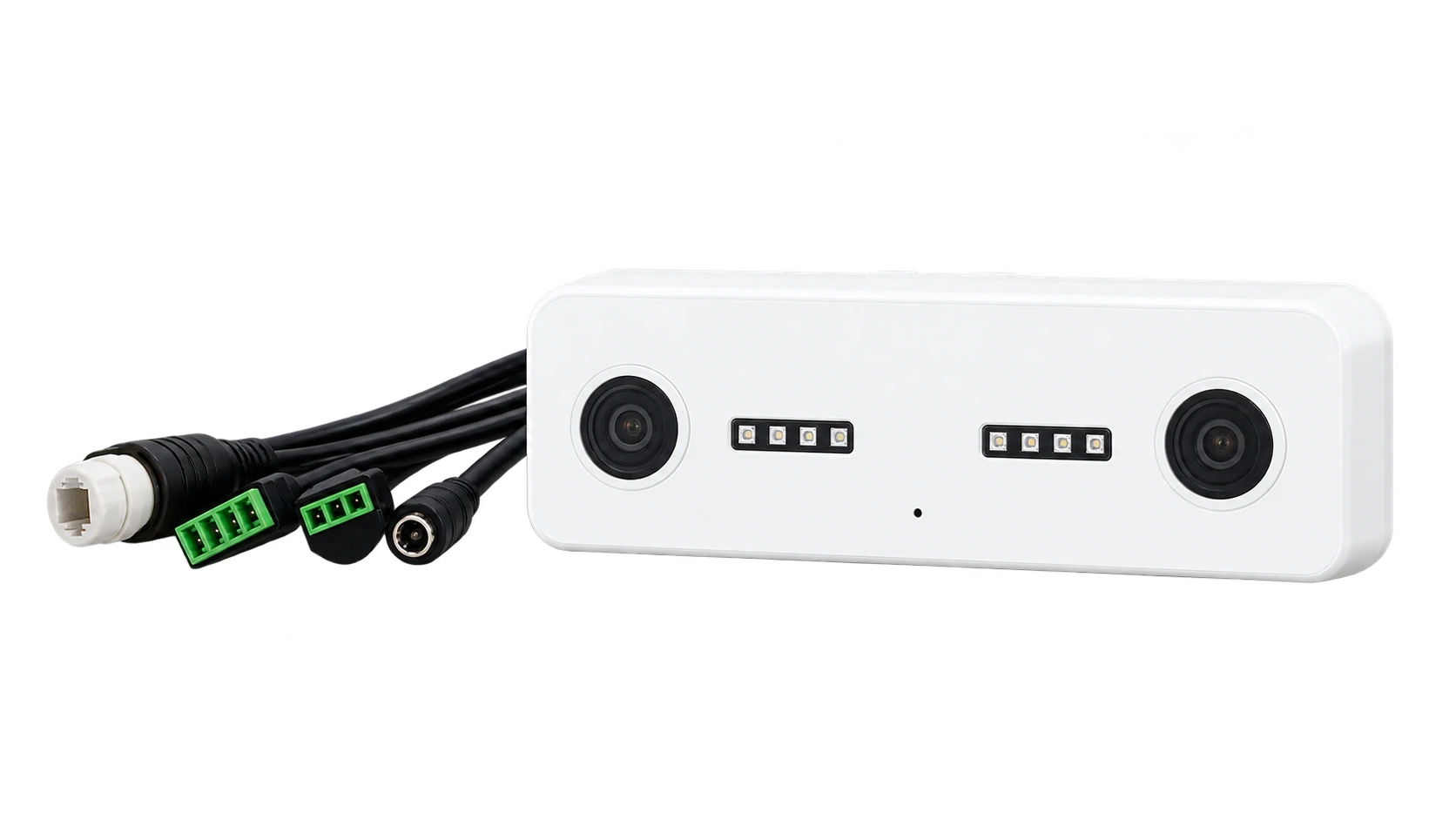
Plan power early
Find the nearest power point and confirm network coverage before mounting day.
04 / Avoid these
Common installation mistakes.
Most counting problems trace back to placement or setup, not the sensor.
Blocked or angled view
Signs, door leaves and light fittings in the field of view cause missed or double counts. Mount straight down with a clear view.
A missing entrance
If one public entrance is not counted, occupancy and conversion will be wrong. Map side and back entrances too.
Staff counted as customers
Staff crossing the door many times a day inflate visits and lower conversion. Set staff exclusion and agree the rules first.
05 / Validate
Prove the count
before you scale.
Validation turns an installed sensor into data your team trusts. Count manually at the same counting line and time window as the sensor.
- Count entries and exits separately
- Include a quiet period and your busiest hour
- Watch groups, prams, staff and people who turn around
- Record the result and any changes you make

06 / Your questions, answered
Installation
FAQs.
Practical answers about mounting, power, coverage and checking your counts.
Plan my installationHow do you install a people counter?
Map every public entrance, choose a sensor for each one, mount it overhead with a clear downward view, connect power and network, set the counting line and staff-exclusion rules, then validate the counts against a manual sample. With V-Count you send a floor plan and entrance photos, and we return placement advice within 24 hours.
Do I need a site survey before installing a people counter?
No. V-Count does not require an on-site survey. Share your floor plan and photos of each entrance, including ceiling height and anything above the doorway. Our team reviews them and sends sensor placement and quantity advice within 24 hours.
How high should a people counter be mounted?
Nano AI supports overhead mounting from 2.2 to 7 metres. Place it above the entrance, looking straight down, with nothing blocking the view such as signs, door leaves or light fittings. The right position also depends on entrance width and ceiling geometry.
How many people counters do I need for a double door or wide entrance?
It depends on the usable counting area, the mounting height and obstructions. A double door does not automatically need two sensors, while a very wide opening or separate entrances may need several. Send entrance widths, ceiling heights and photos, and V-Count will confirm the quantity.
Does a people counter need a network cable?
Not necessarily. Nano AI sends data over Wi-Fi, so a network cable is not required for that setup. It still needs power: 5 V via USB-C, with an optional external PoE splitter if you prefer to run power and data over one cable.
Does lighting affect people counter installation?
Nano AI has built-in infrared illumination and counts at 0 lux, so it works in total darkness. Still check strong sunlight, reflections from glazing and changing light at the entrance as part of placement.
Can a people counter be installed outdoors?
Use a sensor designed for outdoor conditions. Nano Outdoor uses 3D stereo vision and operates from −25 °C to +60 °C, for storefronts, promenades and other weather-exposed areas. Nano AI is intended for indoor entrances.
How do I check a people counter after installation?
Run a manual count over the same time window and counting line as the sensor. Check entries and exits separately, in quiet and busy periods, including groups, staff and people who turn around. Fix placement or configuration issues before rolling out to more stores.
Where does the data go after installation?
Counts flow into BoostBI, V-Count’s analytics platform, where you see entries and exits by hour, location and entrance. BoostBI also connects to POS systems and offers an open REST API for your own tools.
Keep exploring