Footfall + POS sales · Store conversion
People Counter POS IntegrationVisits plus sales.
Conversion you can act on.
Combine people counting with your POS data to see how many visitors became buyers, by store, day and hour.
BoostBI connects natively to Shopify and Nebim, works with VendPOS, Nayax, ImagineX and QuickBooks, and offers an open REST API for everything else.

Trusted by leading brands
across 130+ countries
01 / Why connect footfall and sales
Sales tell you what happened.
Footfall tells you why.
A sales report alone cannot tell whether revenue fell because fewer people visited or because fewer visitors bought. Matching visits from your people counter with transactions from your POS answers that question.
100 transactions ÷ 500 visits × 100
With both in one place, you can compare stores with similar traffic, test staffing changes in busy hours and see whether a campaign brought more visitors or more buyers.
Counts represent visits, not unique individuals. Define staff, group and re-entry rules before setting conversion targets.
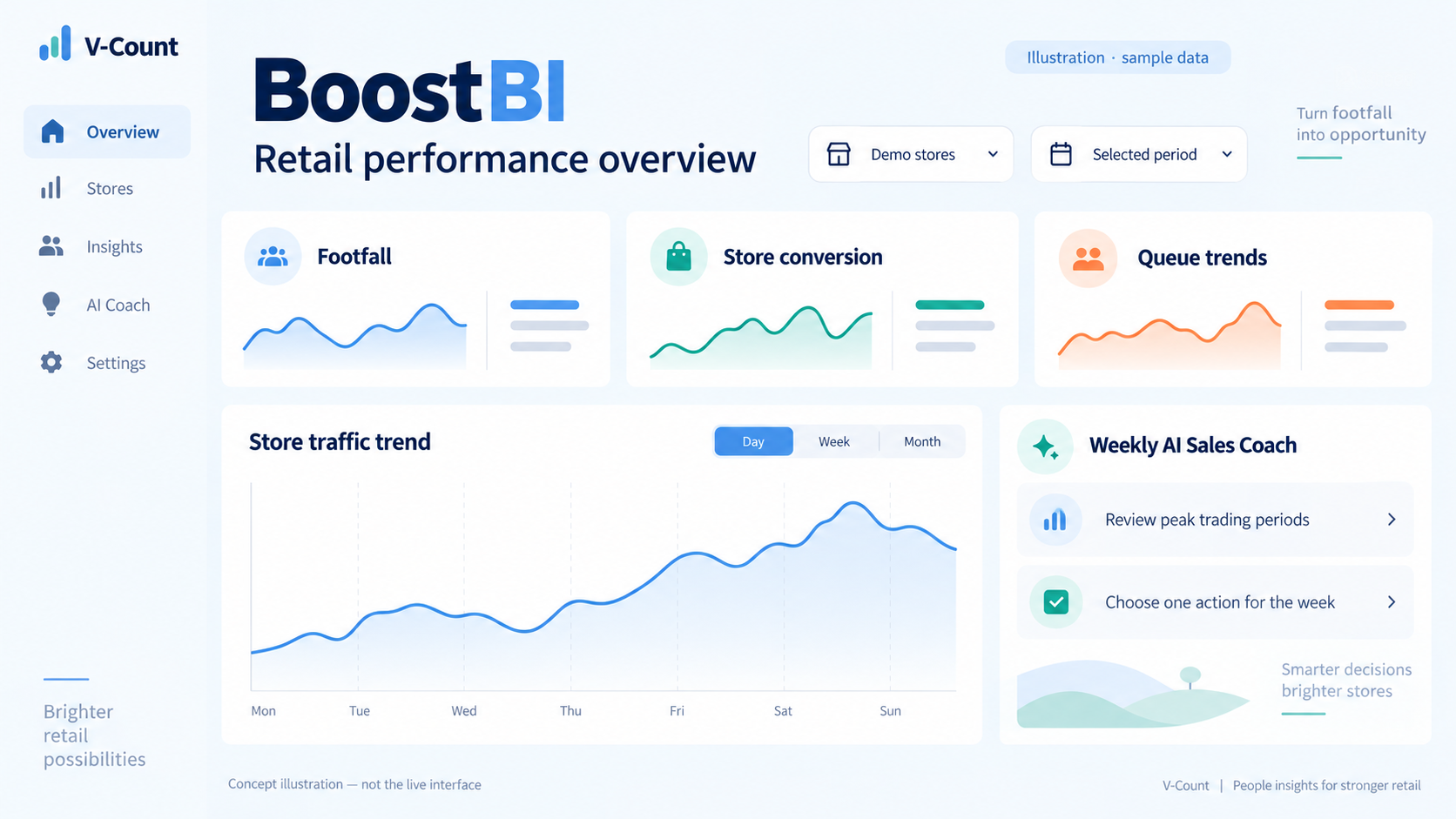
02 / Supported systems
POS systems that connect
to BoostBI.
Native connectors need no development work. Working integrations are in use today. The REST API covers any other system.
| System | Connection type | What it adds |
|---|---|---|
| Shopify | Native connector | Sales data matched with Nano sensor visits |
| Nebim | Native connector | Sales data matched with Nano sensor visits |
| VendPOS | Working integration | Sales data matched with visits |
| Nayax | Working integration | Sales data matched with visits |
| ImagineX | Working integration | Sales data matched with visits |
| QuickBooks | Working integration | Sales data matched with visits |
| Any other POS or ERP | Open REST API | Send transactions and sales per store and period, or pull footfall into your own tools |
Confirm required fields, refresh intervals and the integrations included in your package before go-live.
03 / How it works
Four steps
to conversion reporting.
Count every entrance
Nano sensors record entries and exits at each public entrance and send them to BoostBI.
Connect the POS
Turn on the Shopify or Nebim connector, use an existing integration, or send sales through the REST API.
Match stores and hours
Map each POS store to its sensors, align time zones and opening hours, and decide how returns and voids count.
Read conversion by hour
Compare visits and transactions by store, day and hour. Find busy hours with weak conversion and test changes.
Exclude your team
Nano AI staff exclusion by lanyard, shoulder tag or mobile app keeps employees out of visitor counts.
Use your own tools
Pull footfall and conversion from BoostBI into your BI or data warehouse through the open REST API.
04 / Data checklist
What your POS
needs to share.
- Store or location ID that matches your sensor setup
- Transaction timestamp in a known time zone
- Number of transactions per period
- Net sales value per period
- Rules for returns, voids and online orders collected in store
Metrics you can build
Once visits and sales sit side by side, you can calculate conversion rate, sales per visitor and average transaction value per store and hour.
Combine conversion with in-store data from Nano Prime, such as zone visits and dwell time, to see where shoppers engage before they buy.
Explore BoostBI analytics ↗05 / Your questions, answered
POS integration
FAQs.
Answers about connectors, the REST API and conversion rate.
Discuss my POSHow do I connect a people counter to my POS system?
With V-Count, connect your POS to BoostBI, the analytics platform that receives Nano sensor counts. Shopify and Nebim have native connectors. VendPOS, Nayax, ImagineX and QuickBooks have working integrations. Any other system can send sales data through BoostBI’s open REST API. Then map each POS store to its sensors so visits and transactions match by location and hour.
Which POS systems does V-Count integrate with?
BoostBI has native connectors for Shopify and Nebim, and working integrations with VendPOS, Nayax, ImagineX and QuickBooks. For other POS or ERP systems, use the open REST API.
What if my POS is not on the list?
Use the BoostBI open REST API. Your POS, ERP or data team sends transaction counts and sales values per store and time period, and BoostBI matches them with visitor counts. Confirm the required fields and refresh interval with V-Count before you start.
How is store conversion rate calculated?
Conversion rate is the number of transactions divided by the number of visits over the same period and entrances, multiplied by 100. For example, 100 transactions from 500 visits is a 20% conversion rate. Use eligible visits, with staff excluded, and eligible transactions, with returns and voids handled consistently.
Does Shopify POS integrate with people counters?
Yes. V-Count BoostBI has a native Shopify connector, so Shopify sales can be combined with Nano sensor visit counts to report conversion by store and hour.
Can I send people counting data to my own BI tool?
Yes. BoostBI offers an open REST API, so footfall, conversion and other data can be pulled into your own BI, data warehouse or reporting tools.
Why does my conversion rate look too low?
The usual causes are staff counted as visitors, people who leave and re-enter, groups that buy once, or an entrance missing from either the counts or the sales mapping. Turn on staff exclusion, agree how groups and re-entries are treated, and check every entrance is mapped to the right store.
How much does POS integration cost with V-Count?
Nano sensors cost US$299–799 per sensor, one-time, and BoostBI costs US$9–49 per sensor per month. The features you select, including POS integration and API access, determine your rate. Confirm the integrations included in your quote.
Keep exploring