Retail operations · Staff scheduling
Retail Staff Scheduling Based on Foot Traffic
Schedule staff for the hours shoppers actually come in: V-Count counts every visitor, and BoostBI’s AI Sales Coach tells each store how many staff it needs, hour by hour, across the week.
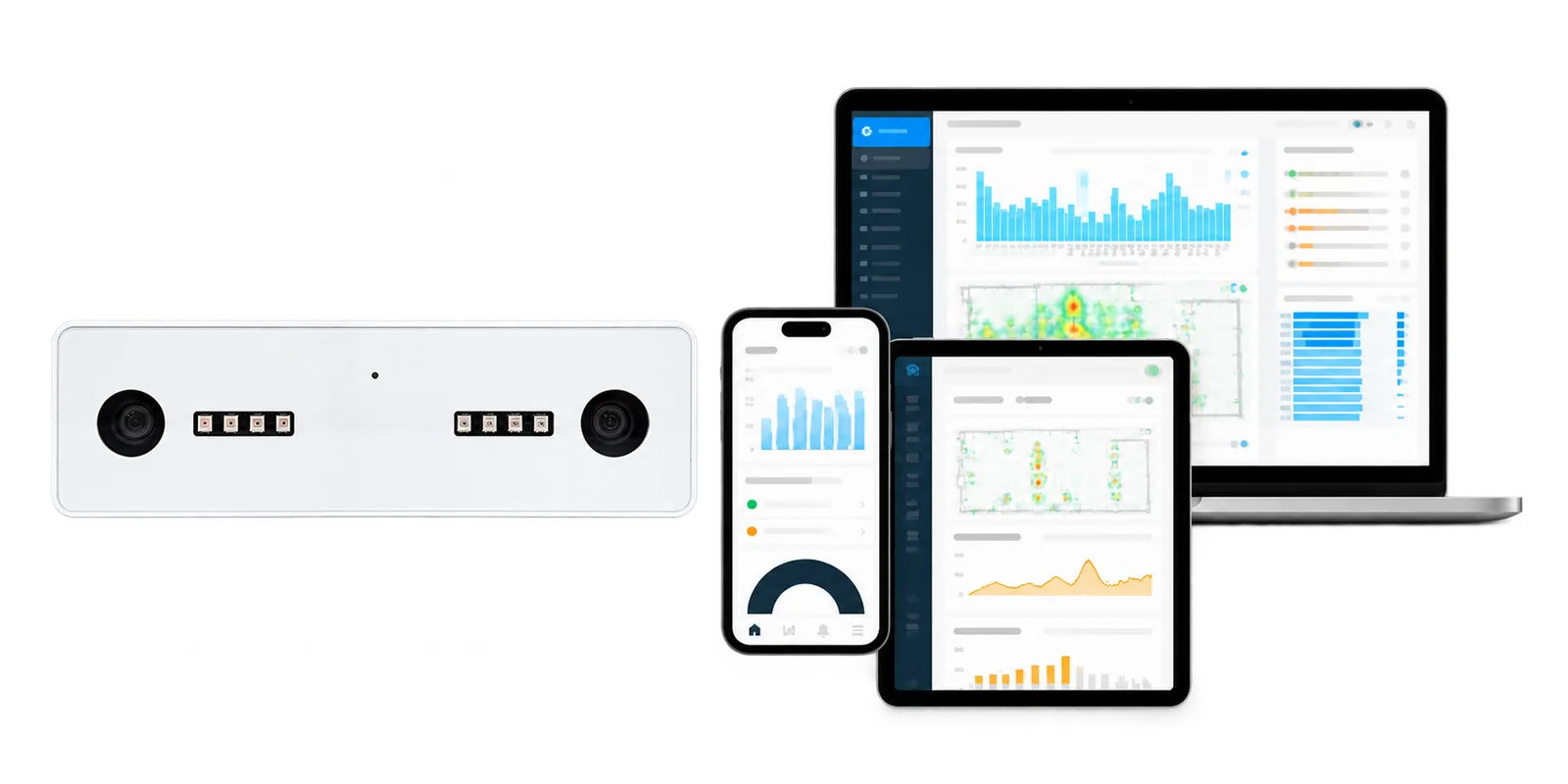
Nano AI sensors count visits at every entrance. BoostBI joins those visits with POS transactions and your rota, and the weekly AI Sales Coach shows each store which hours of the week need more or fewer people on the floor.
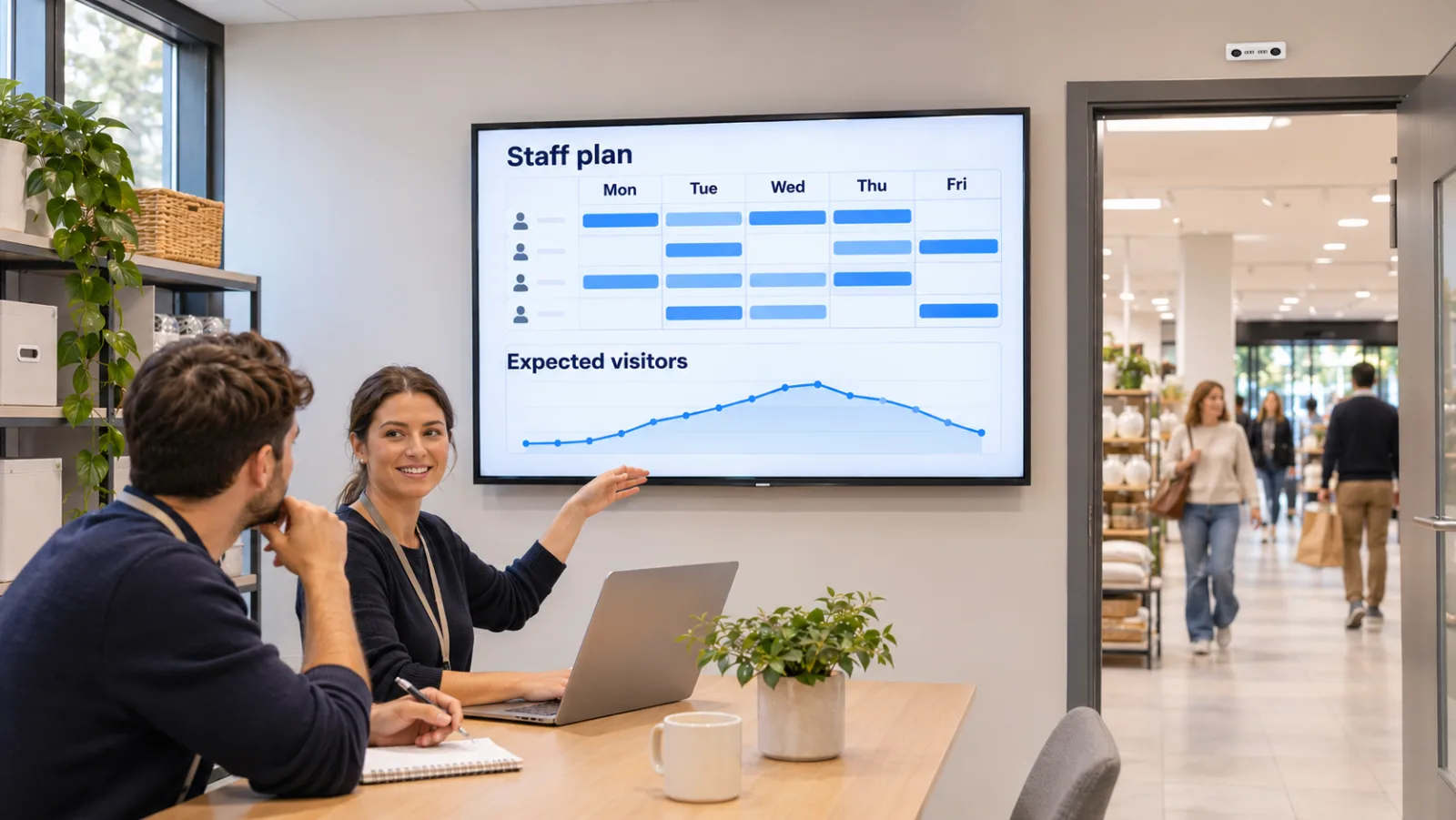
How many staff do you need each hour?
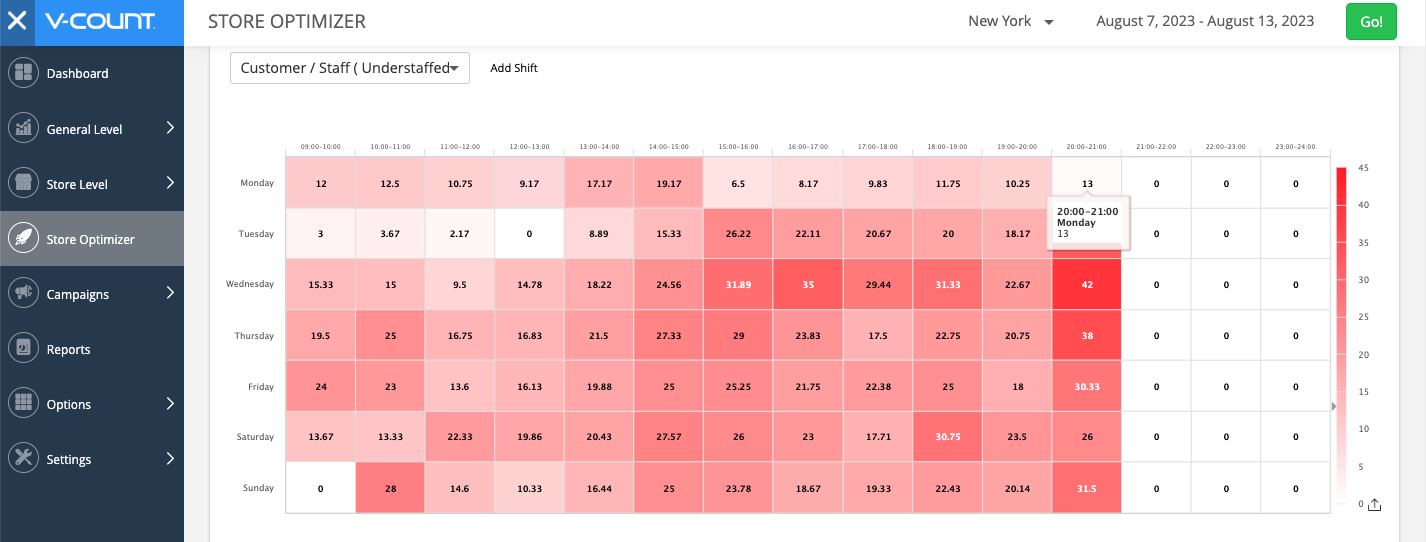
Use counted visits, not guesses. V-Count’s BoostBI shows visits for every hour of the week next to the staff you scheduled, and the AI Sales Coach recommends how many staff each store needs in each hour, so the rota follows demand.
Sales alone hide the problem: a quiet hour with good sales and a busy hour with lost sales can look the same in the POS. Counted visits show when the opportunity walked in.
BoostBI calculates visitors per staff hour, so understaffed peaks and overstaffed quiet hours stand out store by store. Read how the four store KPIs fit together in the store productivity scorecard.
How to use foot traffic data for staff scheduling
Review the same weekday across several weeks before you move shifts.
1. Count visits by hour
Nano AI sensors count entries at every door, with staff removed by staff exclusion.
2. Add transactions
Sales arrive from your POS, so BoostBI shows conversion rate hour by hour.
3. Compare with the rota
Visitors per staff hour shows which hours are stretched and which are over-covered.
4. Follow the weekly guidance
The AI Sales Coach turns the pattern into staffing guidance for the next week, store by store.
Works with your scheduling software
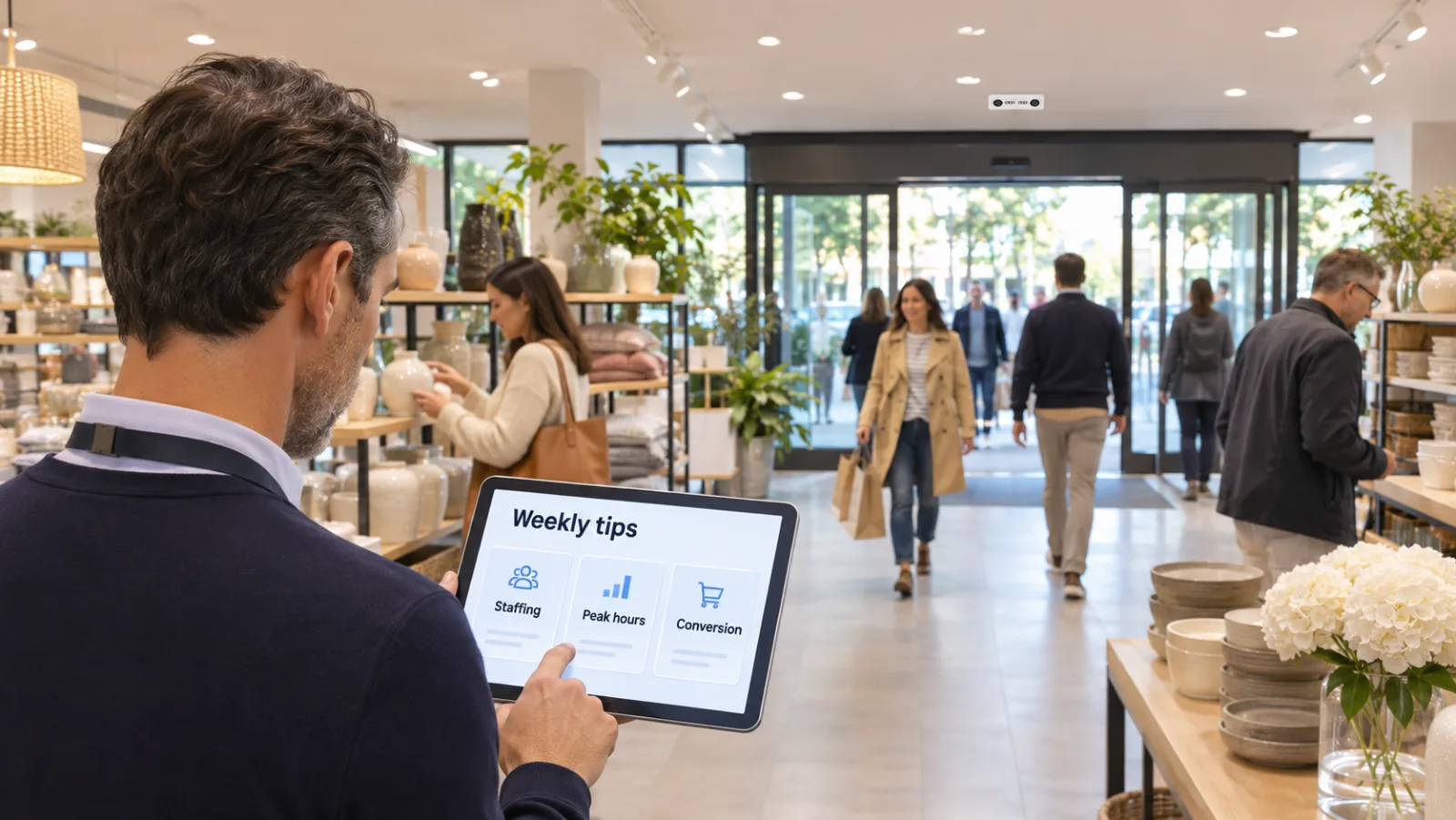
V-Count does not replace your rota or workforce management tool. It supplies the demand side: how many people come in, when, and how many of them buy.
Keep building shifts in the tool your team already uses. Staff hours come from your rota or workforce data; agree the reporting workflow or a scoped REST API connection during setup.
If you are still choosing a tool, see our comparison of retail employee scheduling software.
How it works
Three steps from the door to a report for every location.
- Sensors at the entrancesNano AI sensors on the ceiling above each entrance count visitors in and out. They process everything on the device and send only anonymous counts, and staff can be kept out of the count.
- BoostBI dashboardsBoostBI reports visits by hour, day, store and region, typically refreshed every 10 minutes, or every minute in real-time mode, on the web and in the mobile app, with a weekly AI Sales Coach for each store.
- POS integrationSales arrive through native Shopify and Nebim connectors, working VendPOS, Nayax, ImagineX and QuickBooks integrations, manual import or the open REST API, so conversion is calculated, not estimated. See people counter POS integration.
Go deeper
- Store productivity scorecardSales per visitor, conversion and sales per staff hour.
- BoostBIDashboards, AI Sales Coach and the AI staff planner.
- Staff exclusionRemove employees from visitor counts.
- Retail conversion rateHow to measure and improve it.
- Scheduling software comparedRetail employee scheduling tools.
- Foot traffic forecastingPlan staff for the visits you expect.
Frequently Asked Questions
Straight answers about measuring physical stores with V-Count.
Request a demo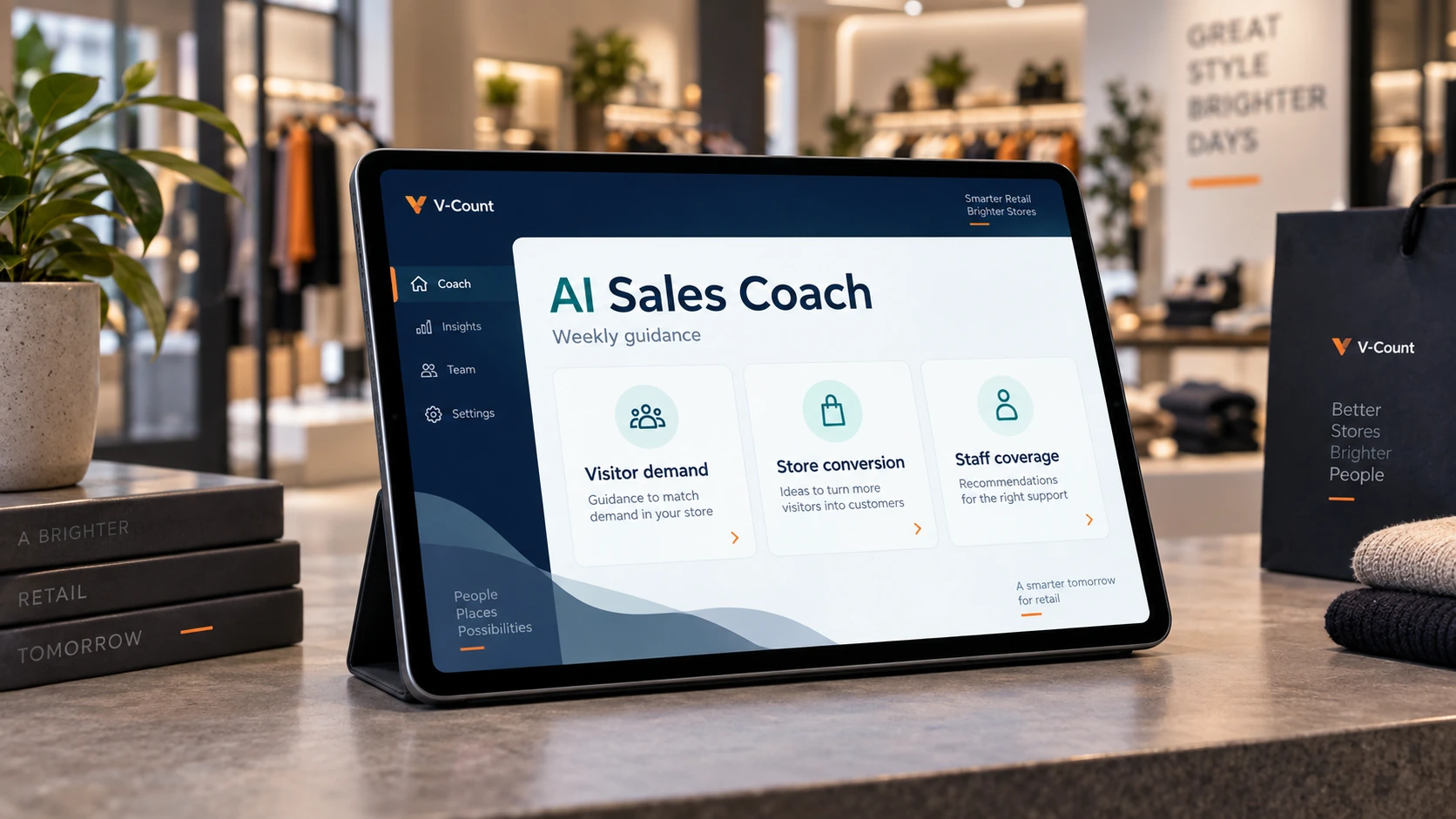
How do I know how many staff I need each hour in a retail store?
Count your visitors by hour and compare them with the staff on the floor. V-Count’s Nano AI sensors count every visit at each entrance with up to 99% accuracy, and BoostBI’s AI Sales Coach recommends how many staff each store needs in each hour of the week.
How do you use foot traffic data for staff scheduling?
V-Count shows visits for every hour of the week next to scheduled staff and POS transactions in BoostBI. Move hours from quiet periods to peaks where visitors per staff hour is high and conversion drops, then check the result over the following weeks.
Does V-Count replace retail scheduling software?
No. V-Count supplies the demand data: visits, transactions and conversion by hour. Your scheduling or workforce tool still builds the shifts; V-Count’s weekly AI Sales Coach tells you how many staff each hour needs.
What is visitors per staff hour?
Visits divided by paid staff hours for the same store and period. V-Count’s BoostBI uses it to show workload by hour; it describes how busy the team is, not how an individual employee performs.
Where do the staff hours come from?
From your rota or workforce data. V-Count’s BoostBI joins them with visits from Nano AI sensors and POS sales; agree the import method or a scoped REST API connection during setup.
Does V-Count track individual employees?
No. V-Count sensors process data on the device and send only anonymous counts. Staff exclusion removes employees wearing a lanyard or shoulder tag from the visitor count without identifying them.
Put the right number of people on the floor every hour
- visits per hour
- staff per hour
- visitors per staff hour
- conversion by hour
- AI Sales Coach