Retail planning · Forecasting
Foot Traffic Forecasting for Physical Stores
Foot traffic forecasting predicts how many people will visit a store by hour and day from the visits you counted before. A forecast is only as good as the count history behind it.
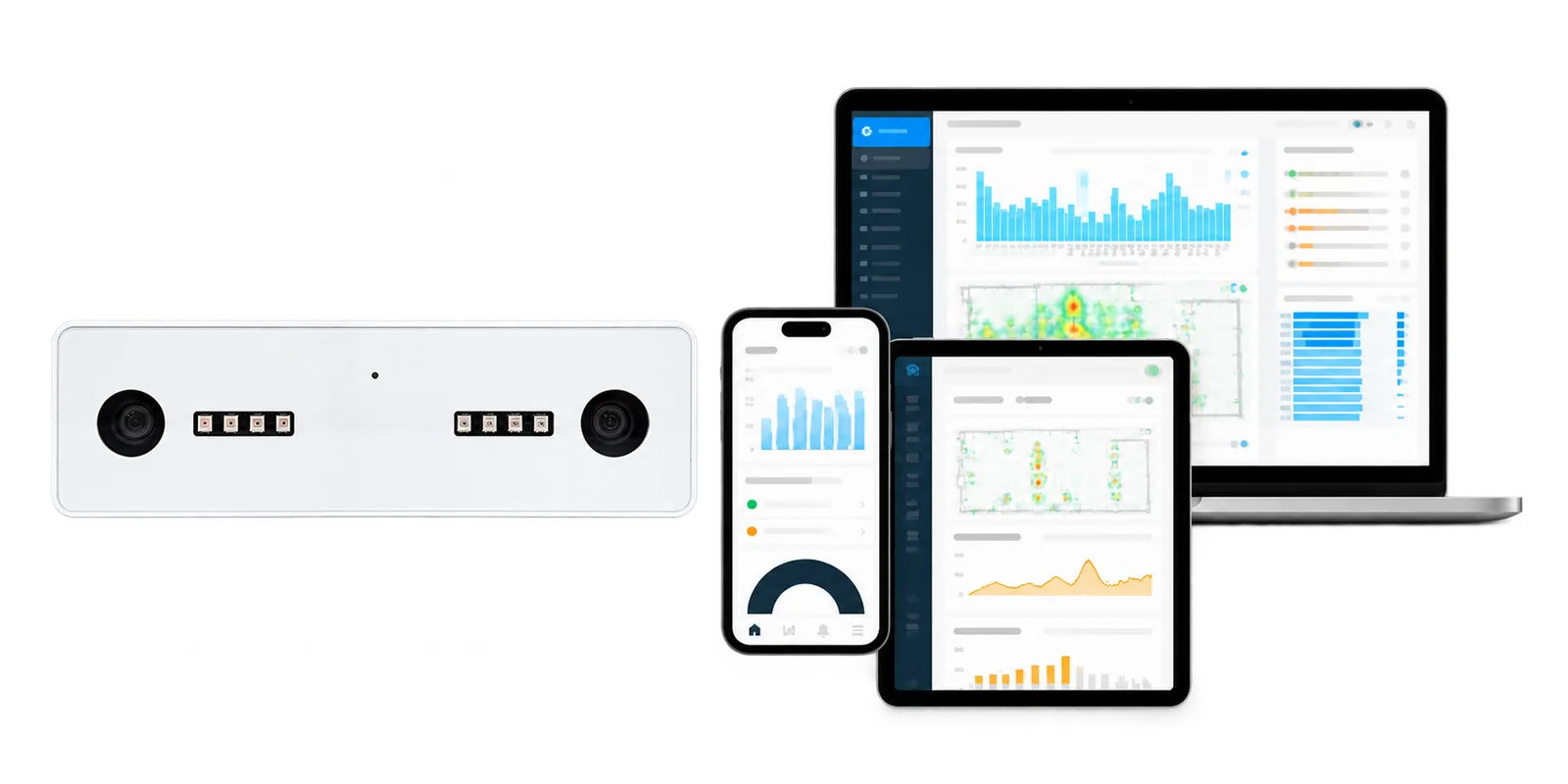
V-Count Nano AI sensors build that history hour by hour at every entrance. BoostBI’s AI staff planner uses it to match staffing to expected traffic, and the open REST API lets your own team run custom forecasts.
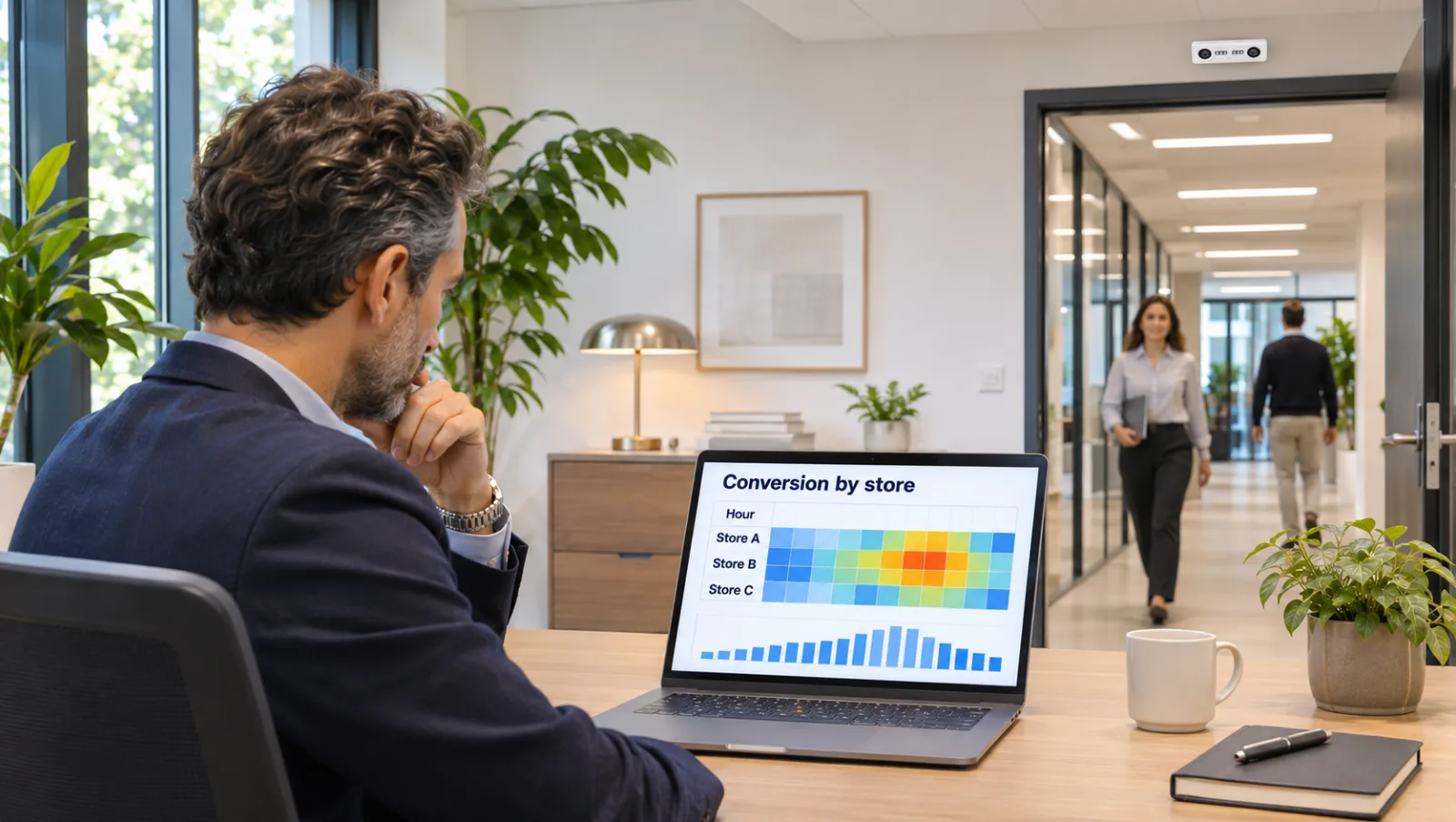
What a reliable traffic forecast needs
Clean count history
Visits by hour from the same entrances, with staff removed.
A calendar of influences
Promotions, holidays, weather and opening-hour changes, recorded next to the counts.
Store changes
Refits, new entrances or new neighbours change the pattern; mark them.
Sales
POS transactions turn expected visits into expected sales and conversion.
Common foot traffic forecasting methods
| Method | How it works | Good for |
|---|---|---|
| Same day last year | Take the matching weekday from last year. | Stable stores, seasonal planning |
| Weekday average | Average the same weekday and hour over recent weeks. | Weekly staff rotas |
| Seasonal model | Combine trend, weekly and yearly patterns. | Long-range planning |
| Model with events | Add promotions, holidays and weather as inputs. | Campaign planning |
Compare forecasts against what was actually counted and keep the method that misses least for your stores.
What to do with a traffic forecast
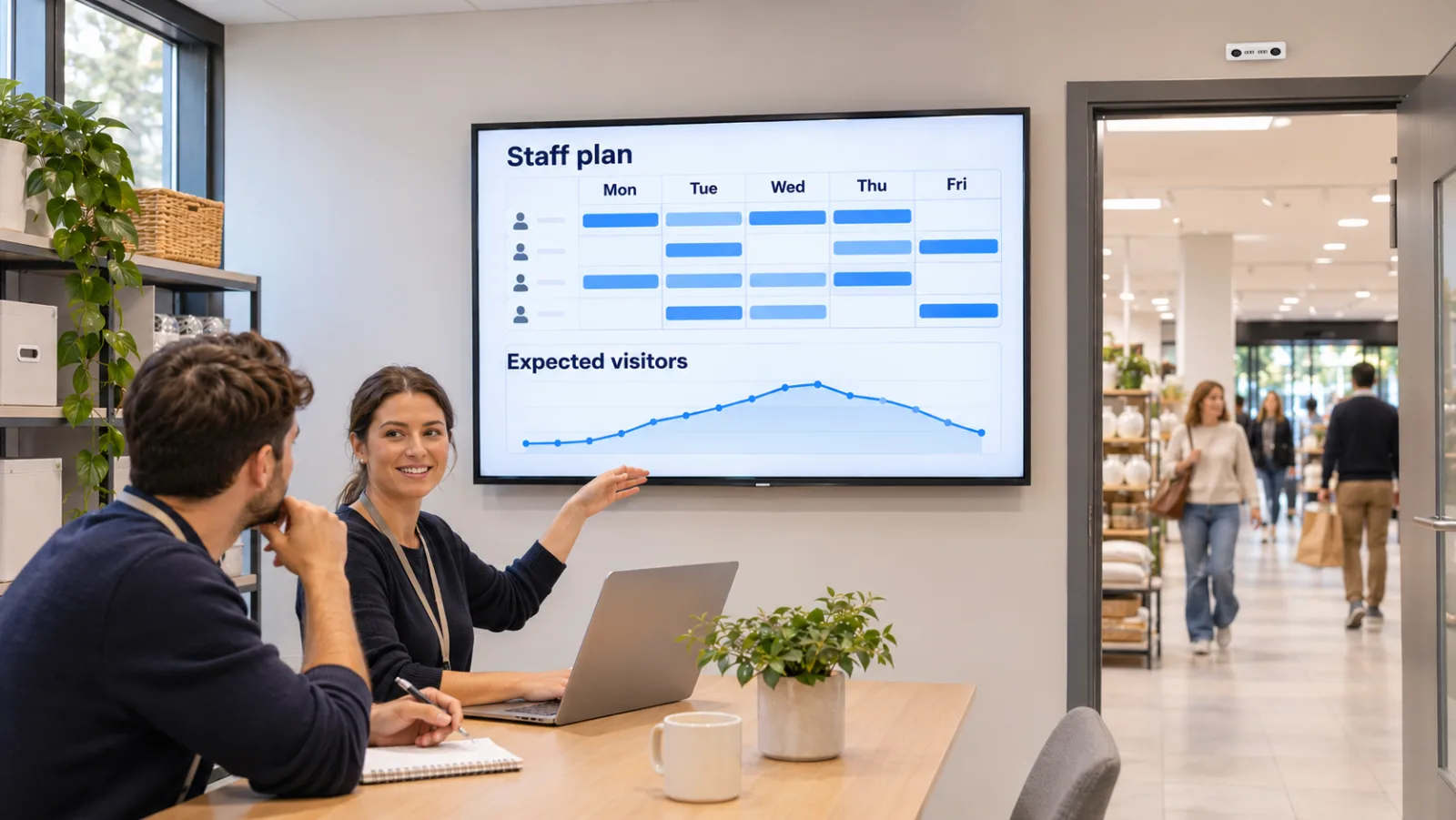
- Schedule staff for the visits you expect.
- Plan promotions for the hours with spare capacity.
- Review opening hours against expected visits.
- Set store targets that reflect expected traffic.
Treat a forecast as a planning scenario, not a guarantee.
How it works
Three steps from the door to a report for every location.
- Sensors at the entrancesNano AI sensors on the ceiling above each entrance count visitors in and out. They process everything on the device and send only anonymous counts, and staff can be kept out of the count.
- BoostBI dashboardsBoostBI reports visits by hour, day, store and region, typically refreshed every 10 minutes, or every minute in real-time mode, on the web and in the mobile app, with a weekly AI Sales Coach for each store.
- POS integrationSales arrive through native Shopify and Nebim connectors, working VendPOS, Nayax, ImagineX and QuickBooks integrations, manual import or the open REST API, so conversion is calculated, not estimated. See people counter POS integration.
Frequently Asked Questions
Straight answers about measuring physical stores with V-Count.
Request a demo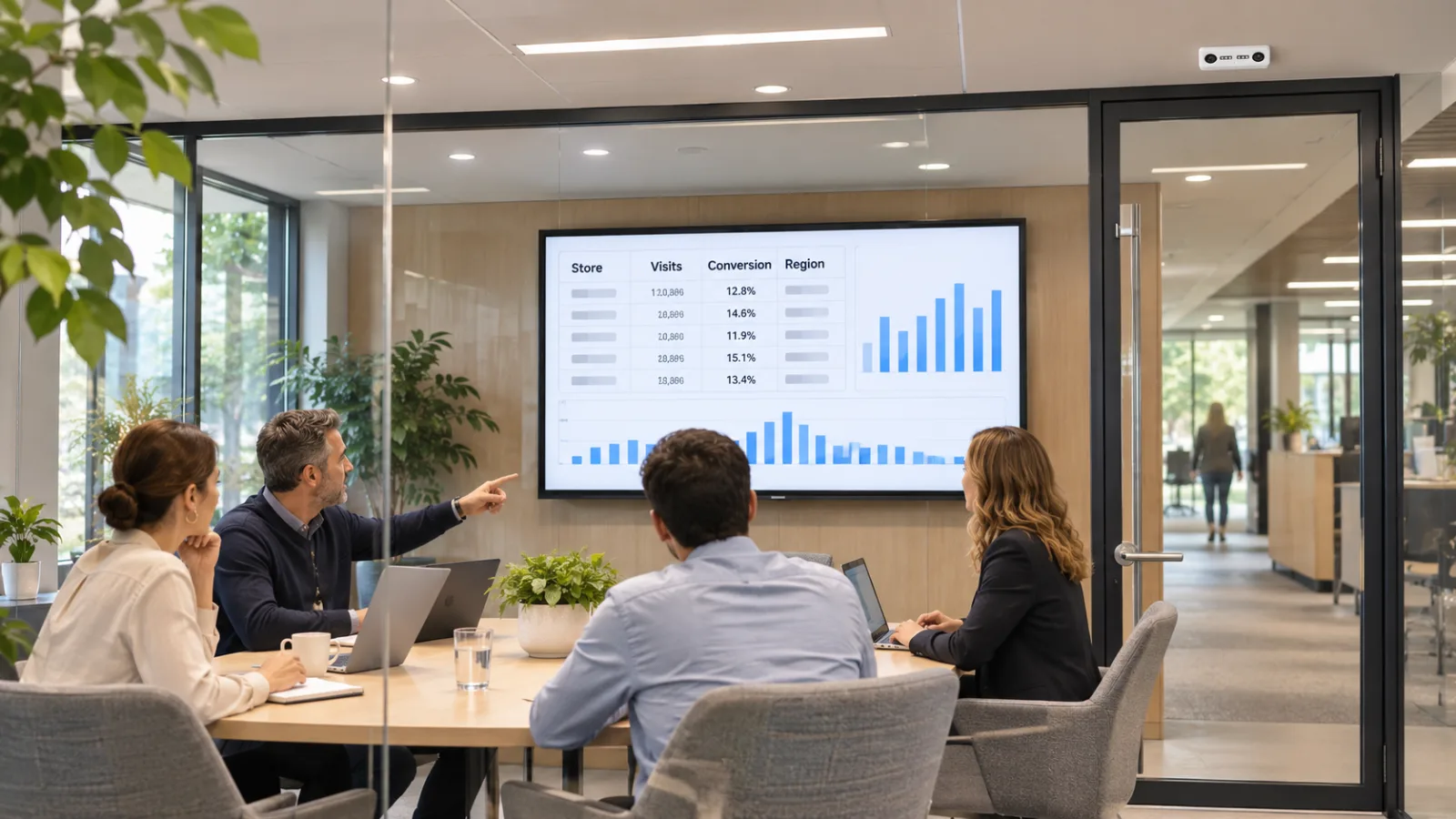
How do you forecast foot traffic?
Start from counted visits by hour, add a calendar of promotions, holidays and weather, and use a method such as weekday averages or a seasonal model. V-Count Nano AI sensors provide the hourly visit history, with up to 99% accuracy for entrance counting.
Does V-Count forecast foot traffic?
V-Count’s BoostBI uses counted visits in its AI staff planner, which matches staffing to expected traffic, and the weekly AI Sales Coach. For your own forecasting models, export the counts through the open REST API.
How much history do I need to forecast store traffic?
Enough to cover the patterns you want to predict: several full weeks for weekly rotas, and a full year to capture seasonal peaks.
What affects foot traffic forecast accuracy?
Gaps in the count history, unrecorded promotions or events, weather, opening-hour changes and store refits. Record them next to the counts.
Can I forecast foot traffic without sensors?
Location data from phones can estimate trends around a site, but it does not count your entrances. V-Count compares the two in its guide to sensors versus location data.
How do forecasts help staff scheduling?
They show how many visits to expect each hour, so you can plan staff before the week starts. V-Count’s AI Sales Coach shows how many staff each hour needs.
Plan for the visits you expect
- hourly history
- events calendar
- seasonality
- staff planning
- REST API