If your shop gets visitors but sales stay flat, the problem is usually not your products and not demand. In most cases it is layout: shoppers never reach the products you want to sell, they miss whole sections of the store, or nothing holds their attention long enough to create a purchase.
The good news: you can fix layout without spending money on new stock — by reorganising what you already have.
This is a practical, step-by-step guide any shop owner can follow, whether you run one small store or a retail chain.
Why Is My Shop Getting Visitors But No Sales?
Because traffic and conversion are different problems. Visitors prove your location and windows work. No sales usually means one of three things inside the store: shoppers do not reach your key products (visibility problem), they reach them but do not stop (engagement problem), or the store feels hard to navigate so they leave early.
Research shared by Wavetec found that 64% of customers abandon a store without buying anything if it feels disorganised or difficult to navigate.

See where shoppers spend their time
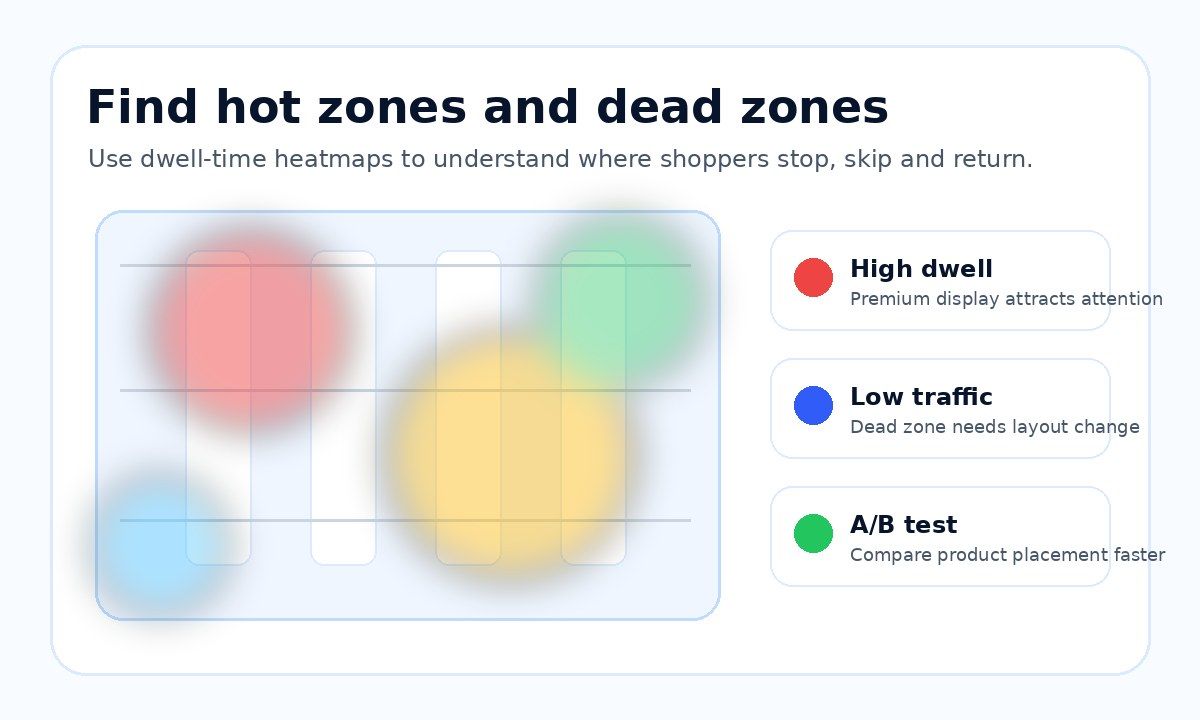
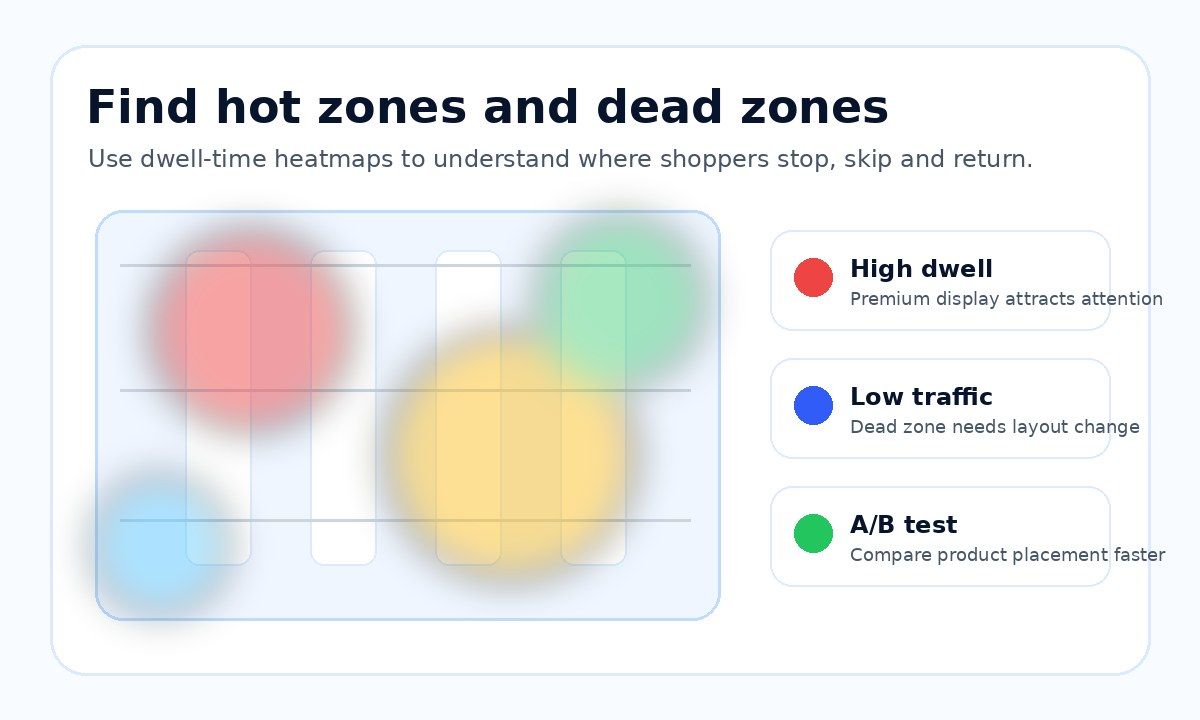
Heatmaps and zone counts show which areas draw visitors, how long they stay and what to move.
- Heatmaps
- Dwell time
- Zone traffic
Step 1: Walk Your Floor Like a First-Time Customer
Start at the door. Walk in the way a stranger would. Where do your eyes go first? Which direction do your feet take? Which corners feel dark, crowded, or invisible? Write down every spot you naturally skipped. Those are your first candidates for change. Do this at different hours — a store feels different at busy and quiet times.
Step 2: Find Your Dead Zones
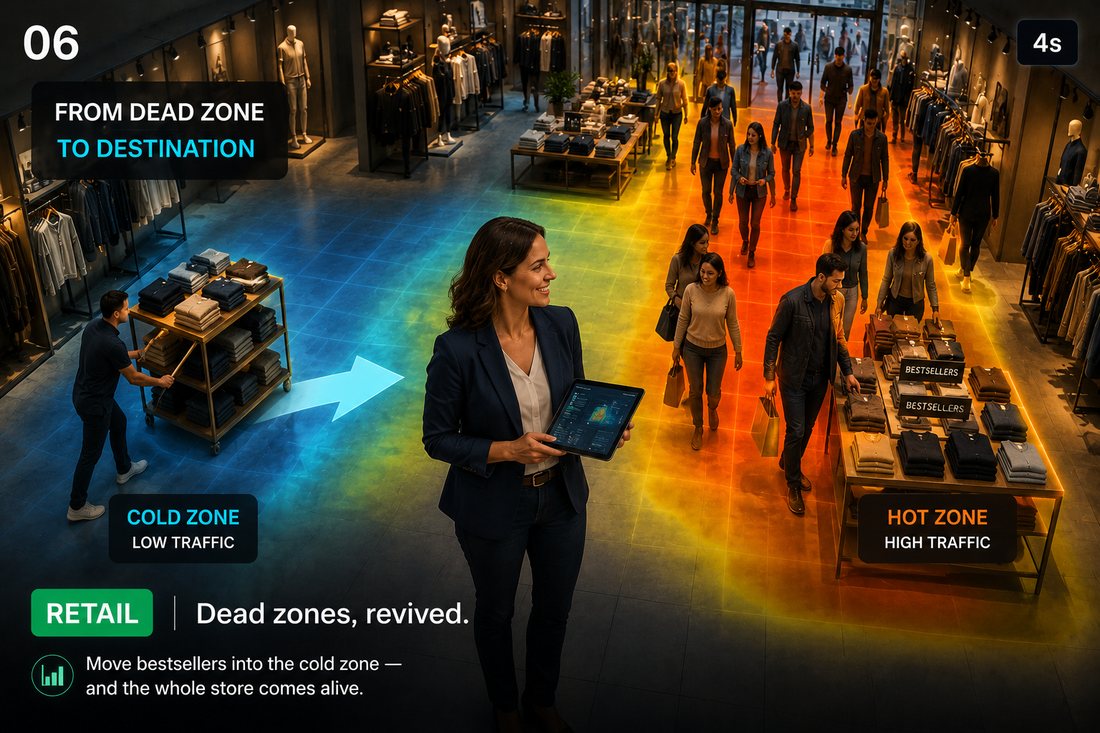
A dead zone is any area shoppers consistently avoid or walk past without engaging. Common ones: deep corners, the area immediately inside the entrance, narrow aisles, and spots behind tall fixtures. You can find them by observation — stand in the store for 30 minutes and watch where people never go — or measure them precisely with in-store heatmaps, which show hot and cold areas of your floor on a map.
Step 3: Fix the Entrance
The first metres inside the door are a transition area: shoppers are still adjusting and notice very little there. Keep this area open and simple — do not place your most important products in it.
Retail studies also consistently observe that most shoppers turn right after entering, so the right-hand side of your store is premium space. Put new arrivals, seasonal items, or high-margin products there.
And remember the entrance battle starts outside the door — our guide to storefront counting and capture rate covers how to measure whether your window pulls people in at all.
What does it cost?
Sensors from US$299, paid once. BoostBI from US$9 per sensor per month.
Step 4: Move Bestsellers Deeper Into the Store
Your bestsellers will be found wherever they are — that is why they are bestsellers. Use them as magnets: place them deeper in the store or in weak areas, so shoppers walk past more of your range to reach them. This is the single cheapest way to revive a dead zone: move a proven product into it and watch whether the area comes alive.

Step 5: Group Products That Belong Together
Cross-merchandising raises the value of every visit: chargers next to phones, socks next to shoes, sauces next to pasta. Ask of every display: what will the customer need together with this? Shoppers buy more when the next logical product is one step away instead of three aisles away.
Step 6: Keep Paths Clear and Easy
Wide, obvious walking paths outperform clever mazes. Remove fixtures that block sight lines, keep signage simple, and make sure a shopper standing at the entrance can understand the store in one glance. If customers have to think about where to go, many will simply leave — that is the disorganisation problem behind the 64% abandonment figure above.
Step 7: Change One Thing at a Time — and Measure It
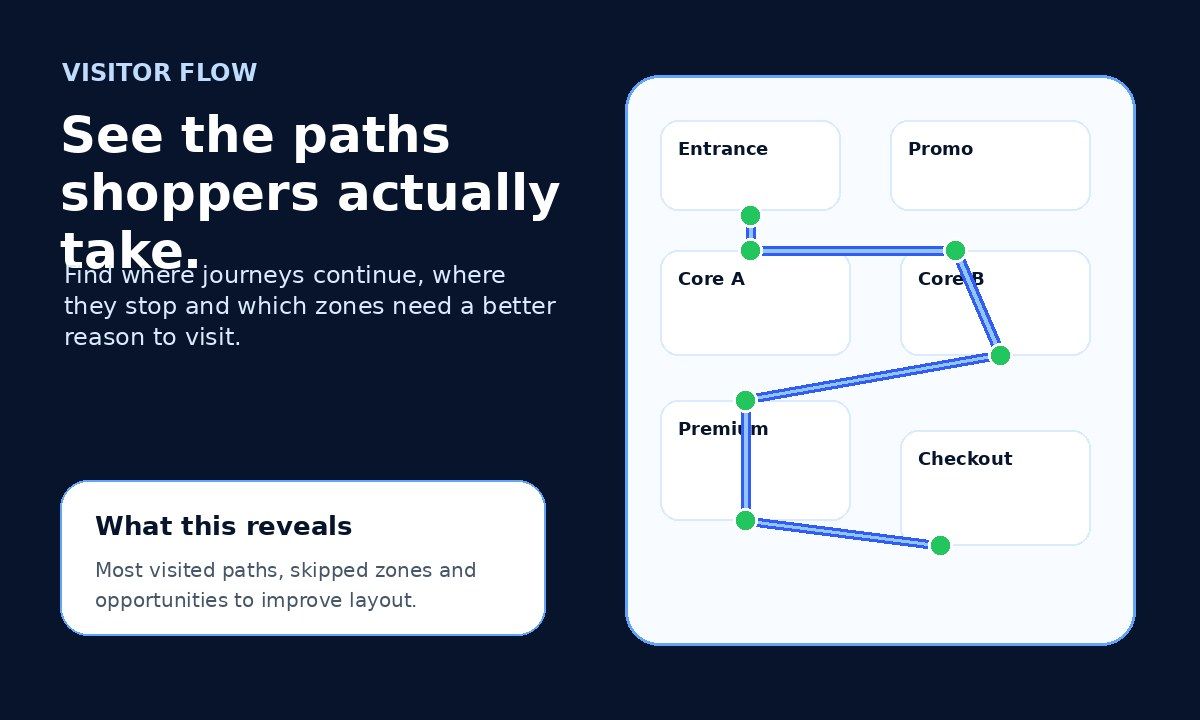
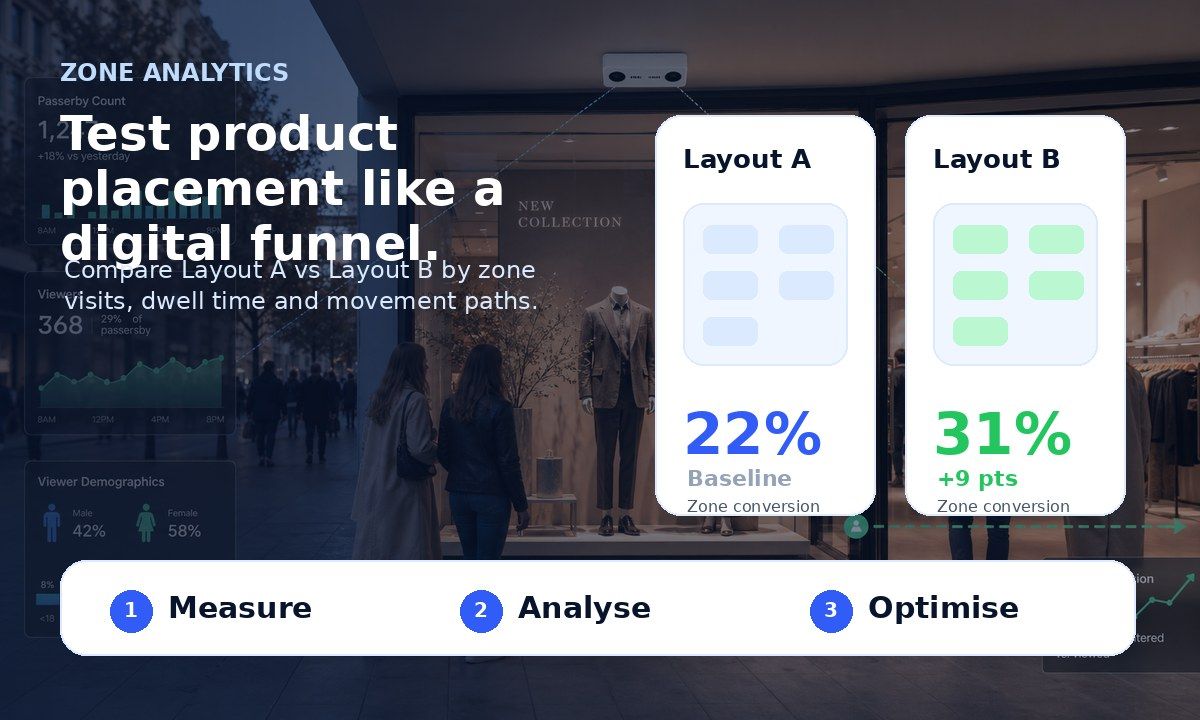
The biggest mistake in shop reorganisation is changing everything at once. If sales move, you will not know why. Work like a scientist: change one thing — one display, one product location, one aisle — run it for one or two weeks, compare results, keep what works, reverse what does not.
How Do I Know If My New Layout Works?
Feelings lie; numbers do not. Three levels of measurement, from free to precise:
- Sales by product location. Your till data already shows whether a moved product sells more in its new spot.
- Conversion rate. Count visitors and divide sales transactions by them. A people counter automates this and separates a traffic problem from a conversion problem.
- Heatmaps and zone analytics. Sensors such as V-Count Nano Prime map where visitors move, stop, and dwell — so you can see whether shoppers actually followed your new layout, not just whether revenue moved. Full guide: retail heatmap analytics explained.


Turn foot traffic into sales
BoostBI joins visitor counts with your sales to show conversion rate, busy hours and staffing gaps.
- Conversion rate
- Staffing by hour
- AI Sales Coach
Frequently Asked Questions
Where should I put bestsellers in my shop?
Deeper in the store or in weak zones — never in the entrance area. Bestsellers pull shoppers through the store; the entrance sells nothing anyway because customers are still adjusting when they walk in. V-Count Nano Prime heatmaps show which zones are weak.
How often should I change my shop layout?
Test small changes continuously — one at a time, each measured for one to two weeks. Full reorganisations make sense seasonally. Constant unmeasured changes are worse than no changes: they confuse regular customers and you learn nothing. V-Count Nano Prime measures each change so you can compare results.
Can I do this without any technology?
Yes. Observation, till data, and disciplined one-change-at-a-time testing already put you ahead of most shops. Technology like people counting and heatmaps becomes valuable when you want precision, want to compare stores, or cannot stand on the floor watching all day. When you want measured results, V-Count Nano Prime adds zone and heatmap data.
What is the fastest change that increases sales?
Usually one of two: moving a bestseller into a dead zone, or clearing the sight line from the entrance so shoppers instantly understand the store. Both cost nothing and can be tested in a week. V-Count Nano Prime shows dead zones and entrance sight-line traffic.
Reorganise, Measure, Repeat
A shop layout is never finished — it is a process. Walk the floor, find dead zones, fix the entrance, use bestsellers as magnets, group related products, keep paths clear, and measure every change. When you are ready to replace guessing with data, book a free demo and see how heatmaps and people counting show exactly what shoppers do inside your store.
See it working in a store like yours
Book a free demo and see live traffic, conversion and staffing data. Trusted by 600+ companies in 130+ countries.