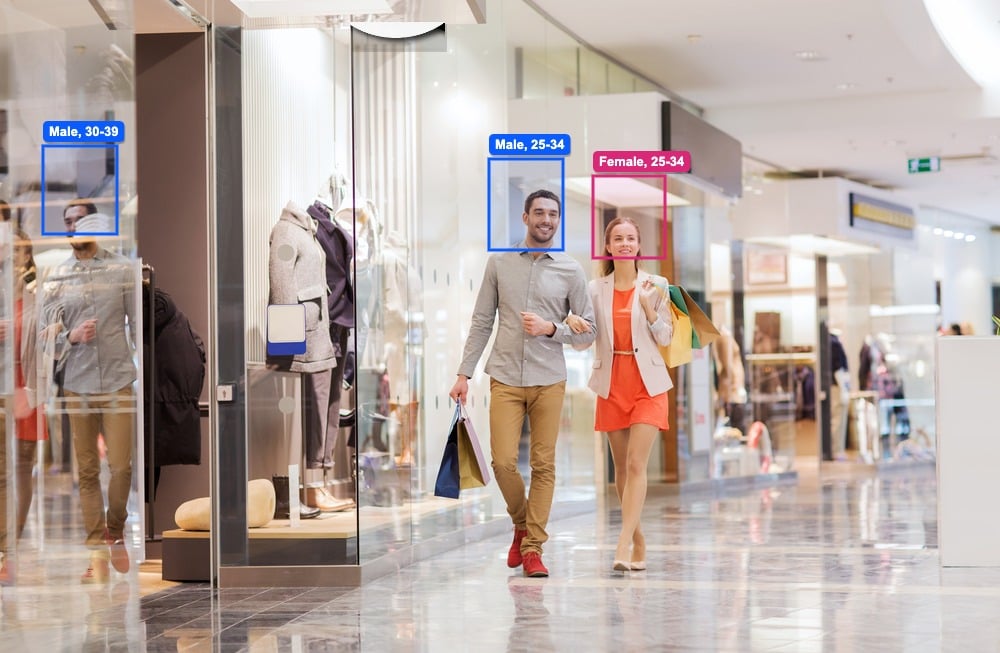
Most retail technology sells you another dashboard. What stores actually need is better decisions: when to open, who to schedule, which window to keep, which layout to copy, when to open another till. This guide walks through seven concrete decisions retail teams make every week — and how a single ceiling-mounted people counting camera, V-Count Nano AI, provides the data behind all of them.
Your entrance can tell you far more than how many people walked through it. Measured properly, it separates shoppers from staff, reveals anonymous gender and age trends, scores your storefront, and warns you about queues before they cost you sales.
What Is a People Counting Camera?
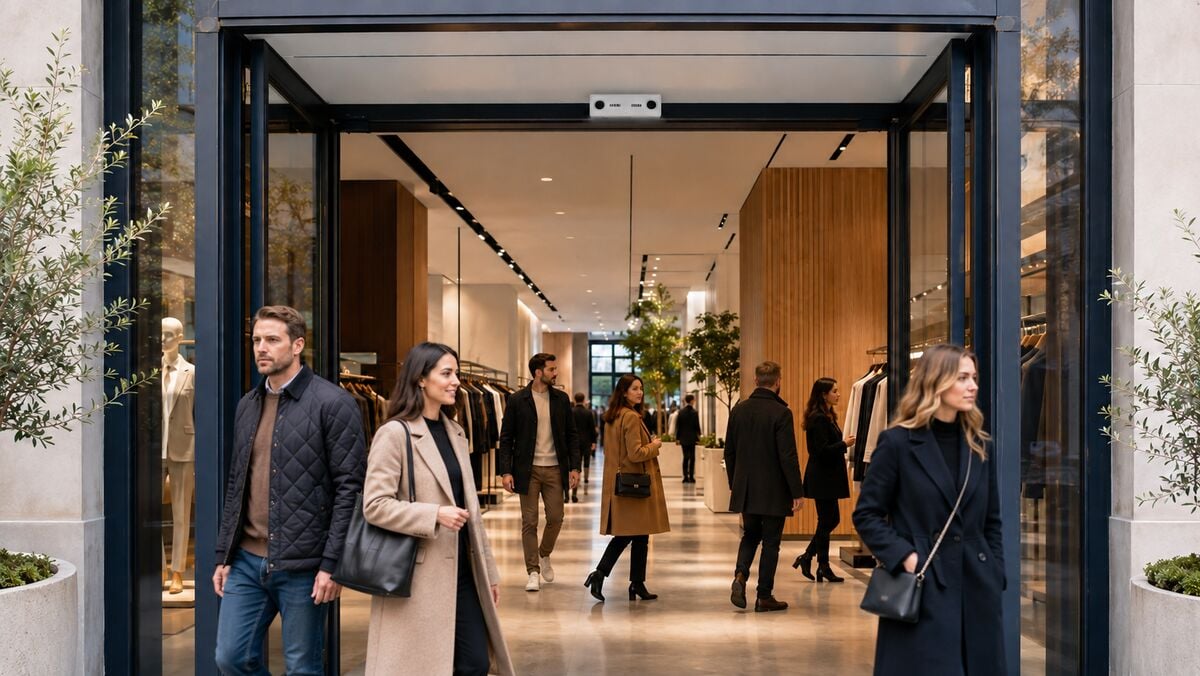
A people counting camera is a ceiling- or wall-mounted device that uses computer vision to count and analyse visitor movement. Unlike a basic beam or thermal counter, it sees the scene — which is what makes staff exclusion, storefront attention, demographics, and zone analysis possible from one device.
The critical distinction in 2026 is where the video goes. An AI people counting camera like Nano AI processes everything on the device: footage is analysed in real time and only anonymous counts and trends leave the unit. Nothing is recorded, nothing identifiable is transmitted — it behaves like a sensor that happens to use a camera, not like CCTV.
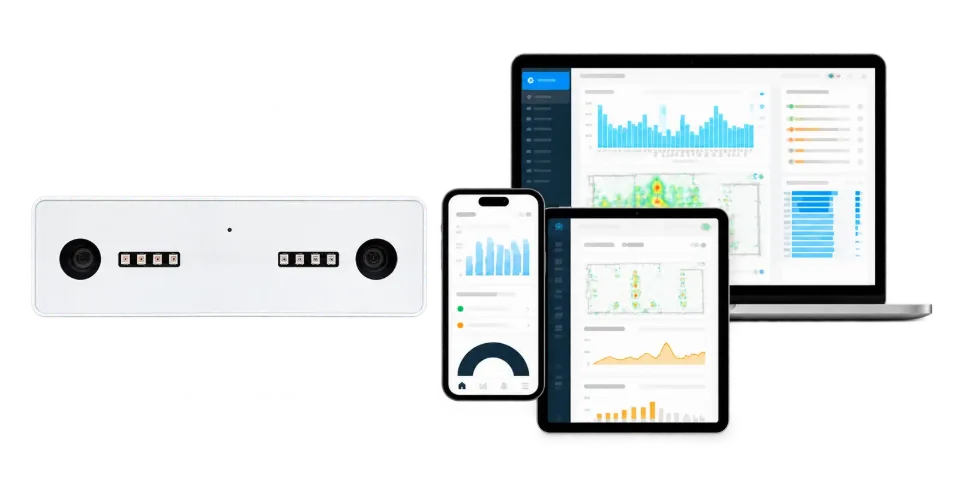
Count every visitor with up to 99% accuracy
Nano AI is a 3D people counting sensor. It counts entries and exits, can exclude staff and works in total darkness.
- Up to 99% accurate
- Staff exclusion
- Works at 0 lux
One Camera, Seven Jobs
A traditional people counter does one job: it counts entries and exits. An all-in-one AI sensor like Nano AI runs multiple measurements from the same device: visitor counting, staff exclusion, storefront and window analytics, anonymous demographic estimation, zone dwell and engagement, and queue monitoring. One installation, one data foundation — feeding BoostBI, where store, regional, and head-office teams see the same numbers.
That consolidation is the point: every decision below runs on the same sensor, so the economics improve with each use case you switch on.
Decision 1: Staff the Hours That Actually Matter
Reliable in-and-out counts by hour, entrance, store, and region reveal the real demand pattern behind every trading day. Instead of scheduling by habit, you compare locations fairly and put labour where visitor opportunity is highest.
The decision: open earlier, add coverage before the rush, or move staff to the hours when real traffic peaks.
Decision 2: Stop Letting Staff Movement Corrupt Your Conversion Rate
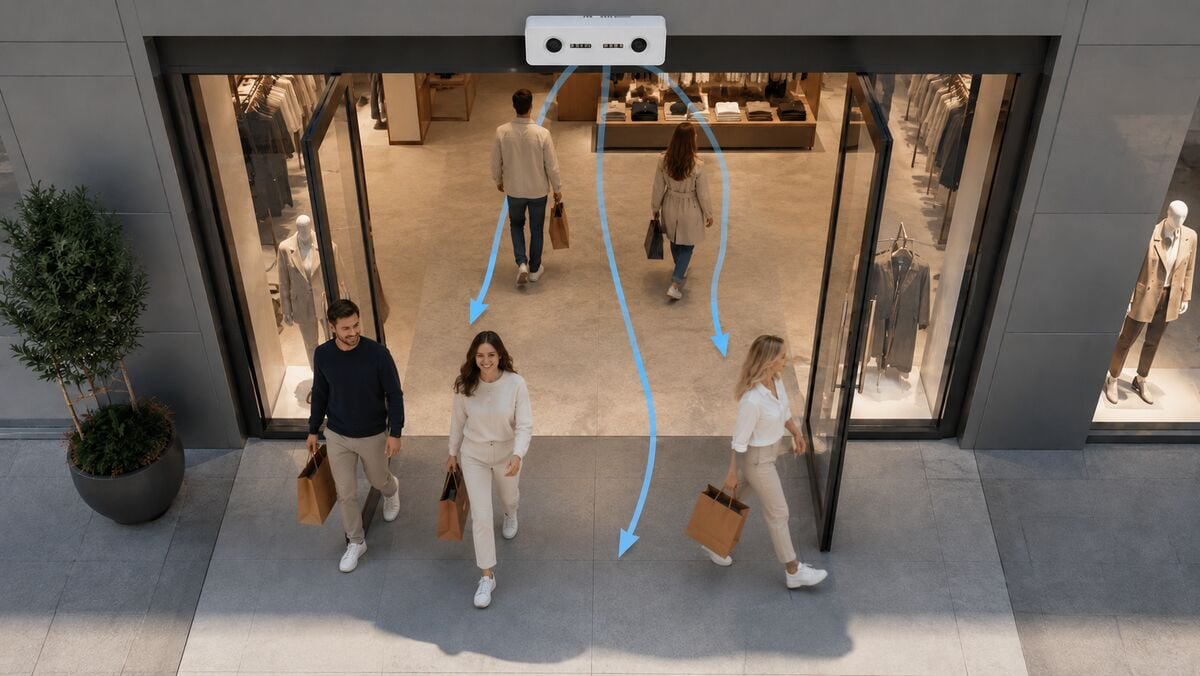
Employees can cross an entrance dozens of times per shift. If your counter can’t tell them apart from customers, your conversion rate is fiction — and so is every decision built on it. Staff Exclusion separates employee movement from customer traffic, so conversion reflects real shopping opportunities.
The decision: coach the right store, reward genuine performance, and stop blaming teams for conversion swings caused by employee movement.
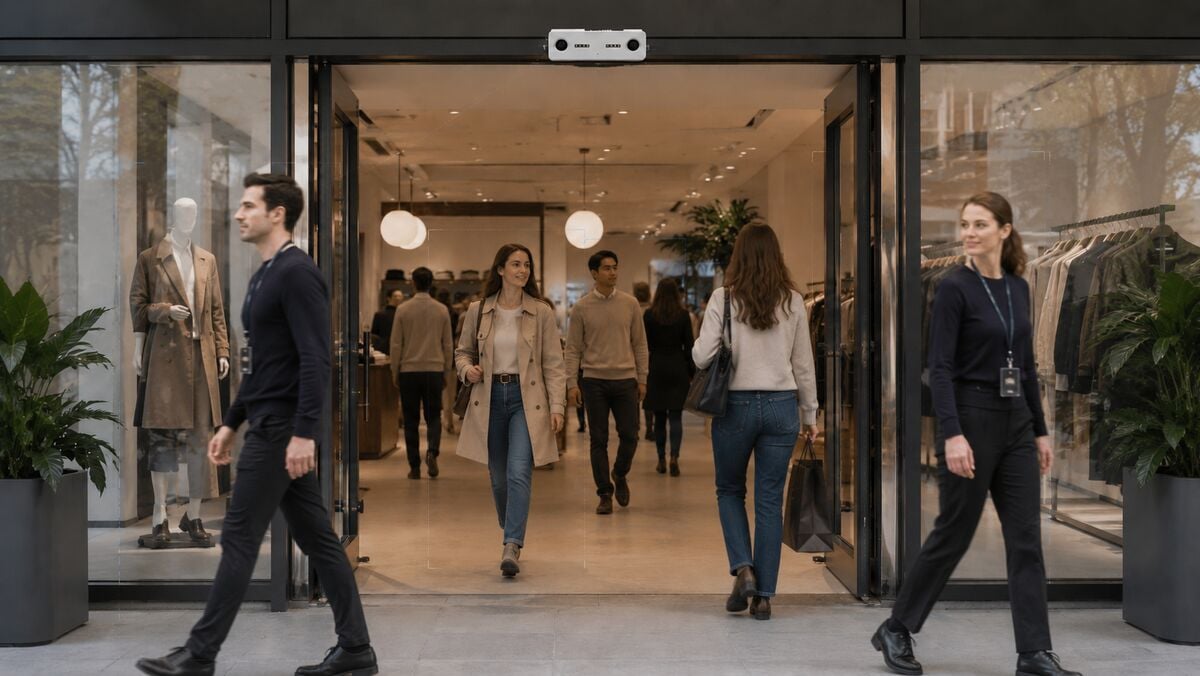
Decision 3: Test Window Displays Like Ads, Not Decoration
Compare the people passing your store with the people who stop, engage, and enter. Test one display concept against another, identify the stronger performer, and roll the winner out across the estate with evidence behind the decision. Even a small uplift becomes meaningful when it scales across many stores — the full method is in our storefront counting and capture rate guide.
The decision: keep the concept that wins more attention and entries; retire the one that just looks good.
What does it cost?
Sensors US$299–799 each, paid once. BoostBI US$9–49 per sensor per month.
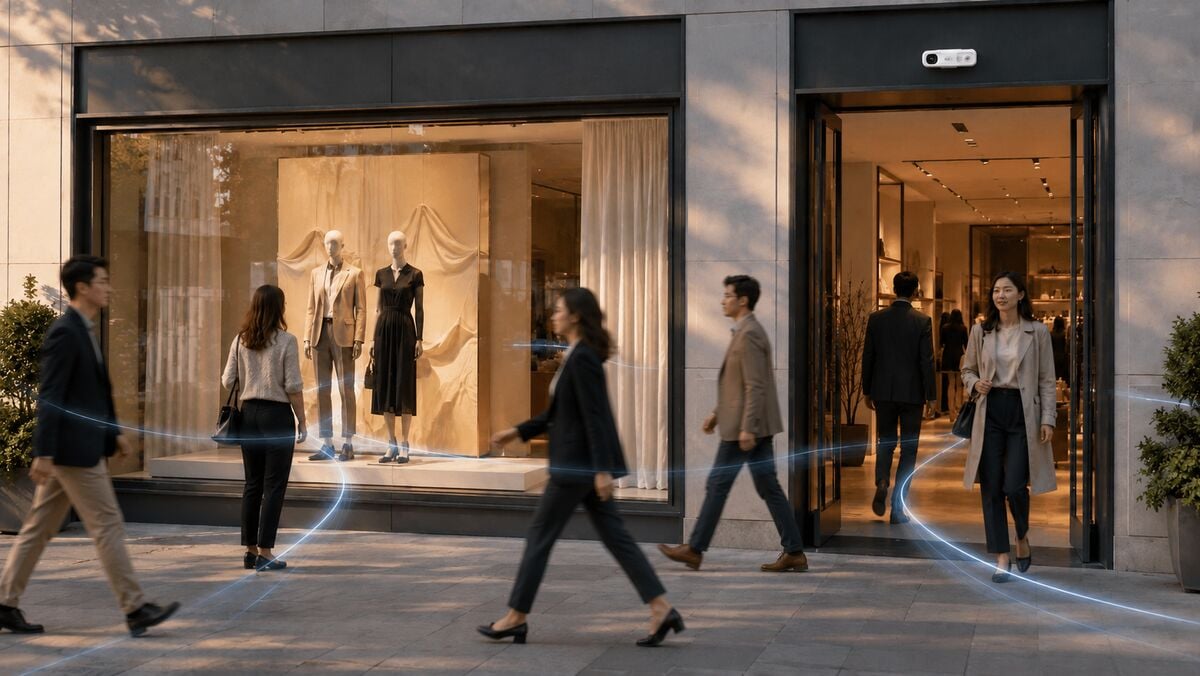
Decision 4: Match the Store to the Audience It Actually Attracts
Anonymous, aggregate gender and age trends show how the customer mix changes by store, time of day, and campaign — without identifying any individual. Merchandising, marketing, and operations can see which products, messages, and service plans fit the audience each location really draws, rather than the audience the brand plan assumed.
The decision: refine product mix, window creative, campaign timing, and service approach around each store’s measured audience.
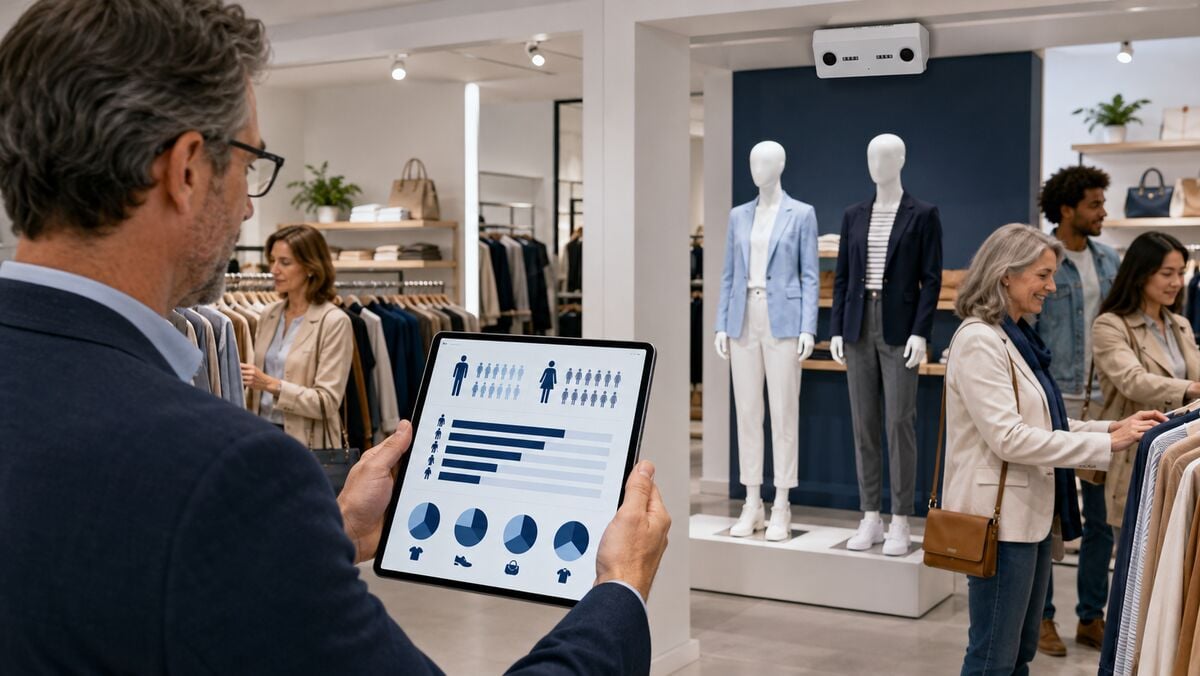
Decision 5: Give Space to What Earns Attention
Dwell patterns and zone activity show which displays, products, and areas hold shoppers — and which get walked past. Compare engagement before and after a layout change, find overlooked zones, and give stronger content more room. For the full in-store methodology, see retail heatmap analytics.
The decision: give high-engagement products more visibility, fix ignored zones, and refine layouts on measured dwell instead of opinion.
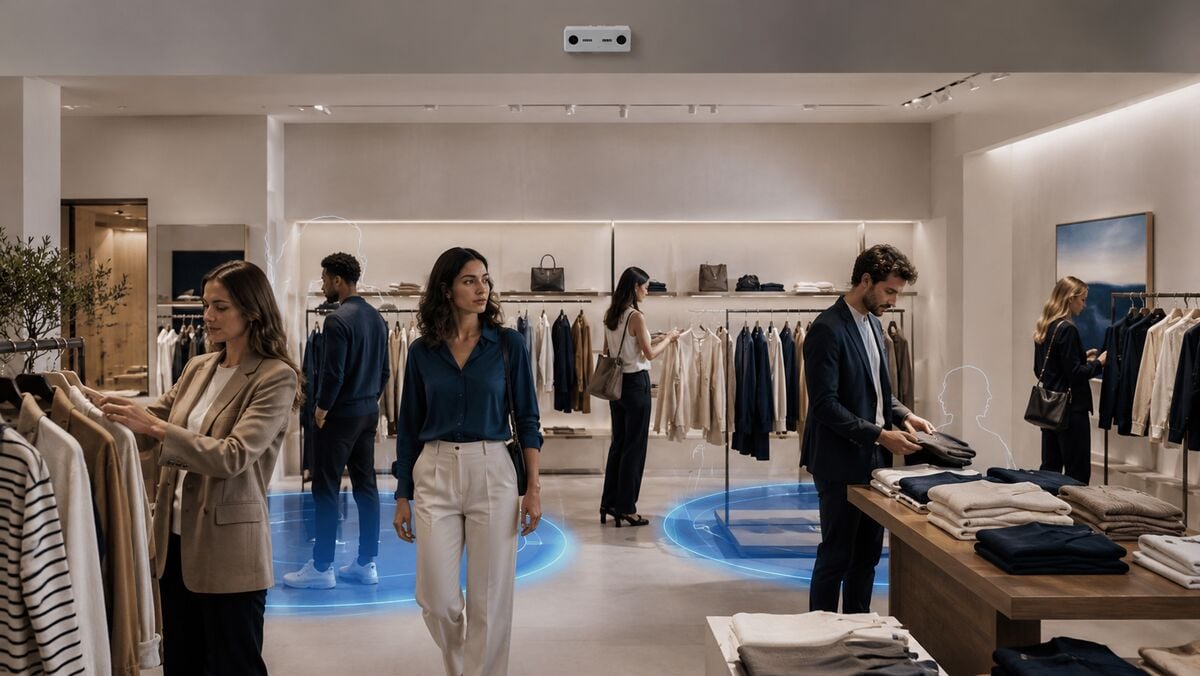
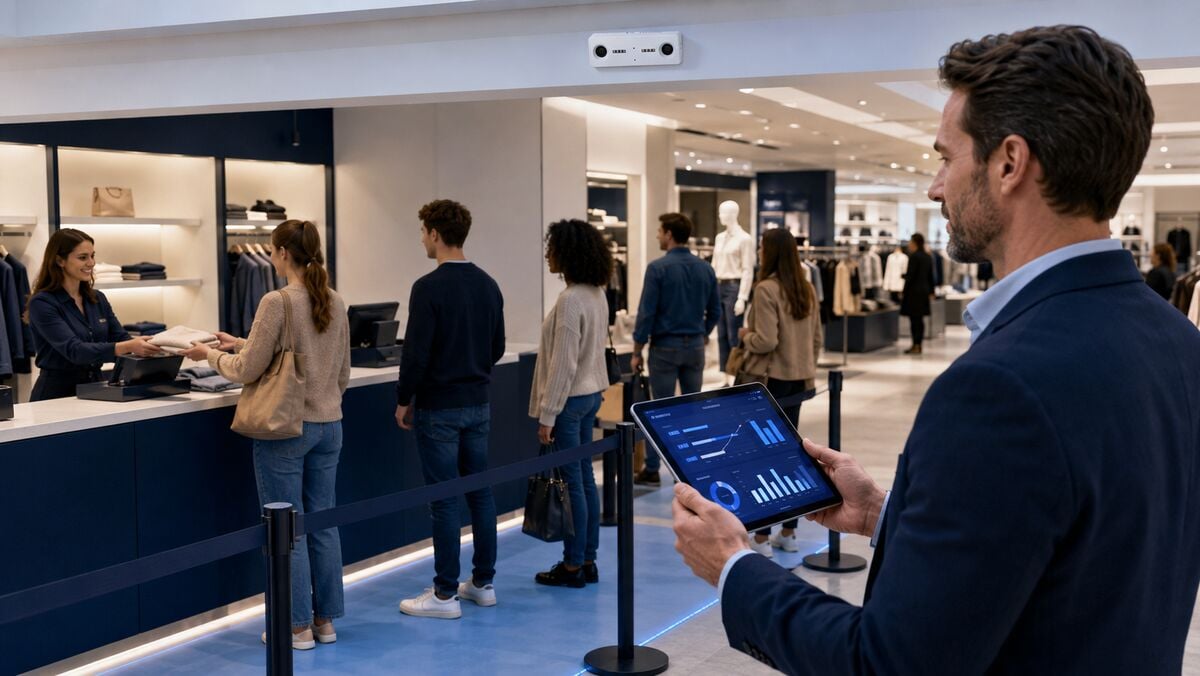
Decision 6: Catch the Queue Before It Costs You the Sale
Queue pressure, dwell, and live store performance surface in BoostBI while there’s still time to act. Local teams see when to open another till or reposition staff; head office sees which locations keep hitting the same wall.
The decision: open the till, move the person, investigate the drop — before the opportunity walks out.
Decision 7: Find the Winner Once, Scale It Everywhere
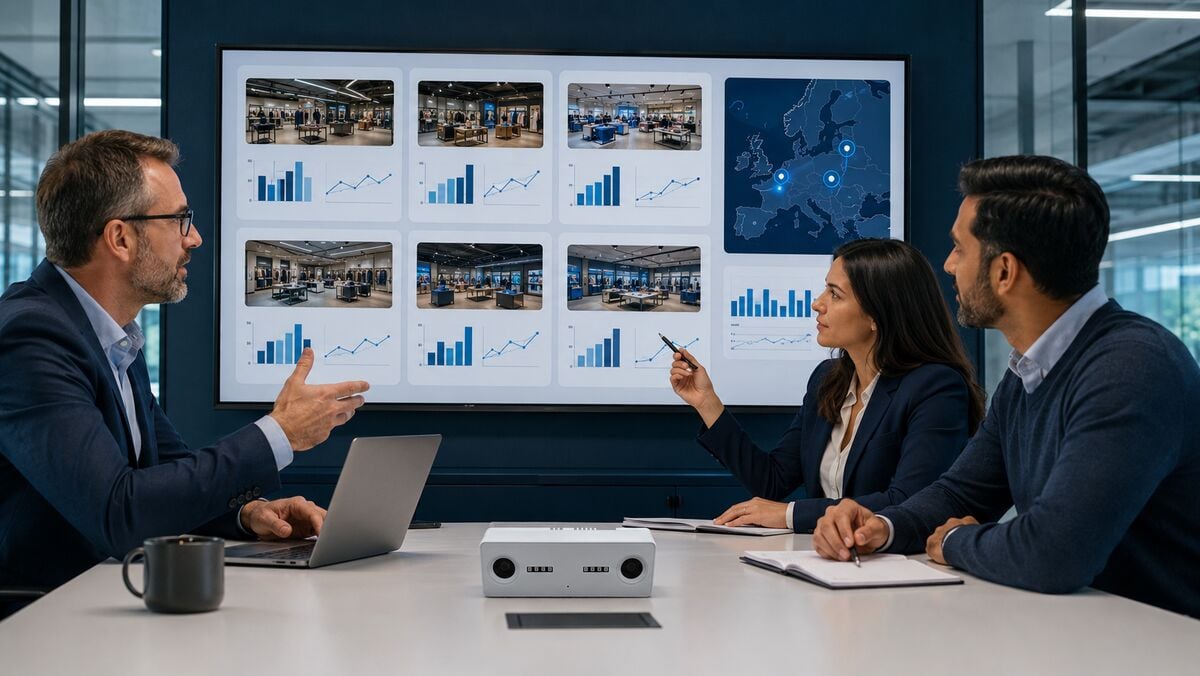
BoostBI brings entrances, stores, and regions into one portfolio view. Benchmark performance, spot outliers in both directions, and share the winning change across the estate instead of leaving the insight trapped in one location.
The decision: roll out the strongest display, staffing plan, or coaching action — then track whether the uplift repeats across stores.
Turn foot traffic into sales
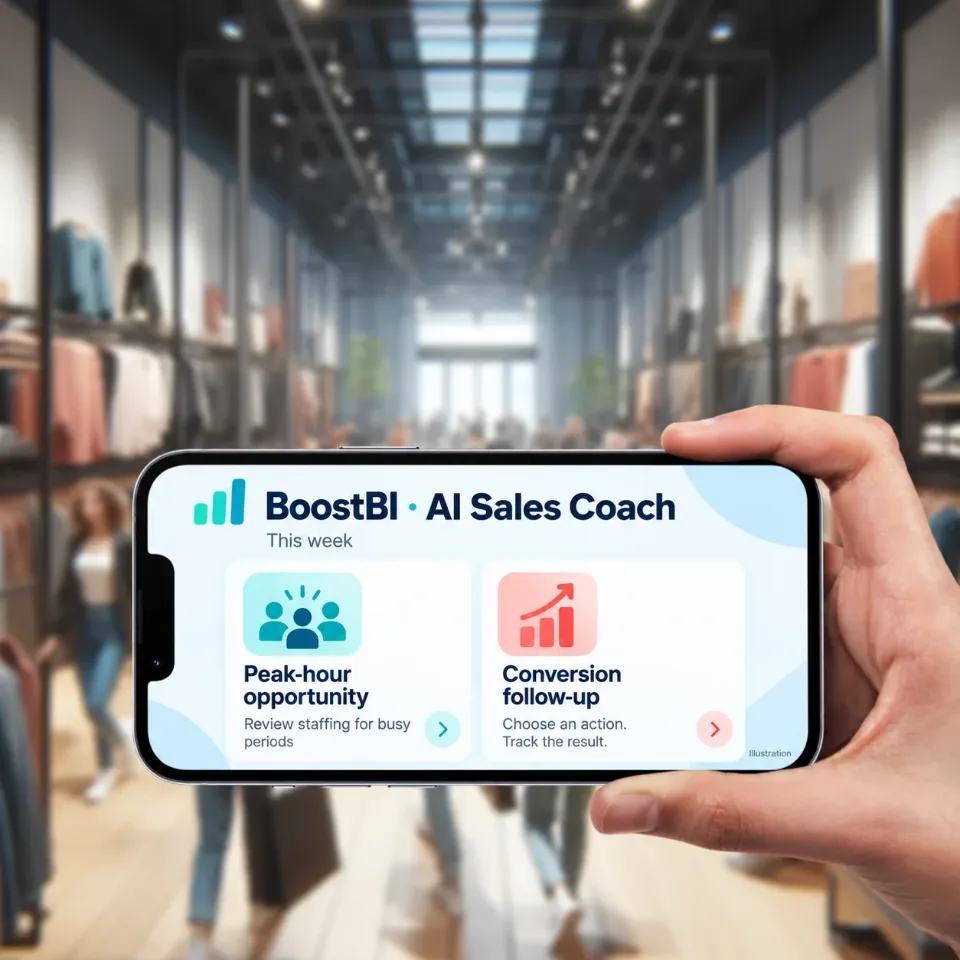
BoostBI joins visitor counts with your sales to show conversion rate, busy hours and staffing gaps.
- Conversion rate
- Staffing by hour
- AI Sales Coach
One Sensor vs. a Stack of Single-Purpose Tools
| Need | Single-purpose approach | All-in-one sensor |
|---|---|---|
| Visitor counting | Basic door counter | Included |
| True conversion | Manual staff estimates | Staff Exclusion built in |
| Storefront testing | Separate street sensor or agency study | Same device measures passersby and entries |
| Demographics | Surveys and panels | Anonymous gender/age trends, continuous |
| Dwell and zones | Dedicated heatmap camera | Zone engagement from the same sensor |
| Queue alerts | Staff watching the floor | Live queue pressure in BoostBI |
What Does It Cost?
V-Count publishes pricing openly: sensors from $299 to $799, software from $9 to $49 per month per sensor — current figures and bundles on the pricing page. Because all seven decisions run on the same hardware, each use case you activate lowers the effective cost per decision.
Accuracy and Privacy
V-Count’s sensor line delivers up to 99% counting accuracy; one verified multi-site customer on Trustpilot reports 98–99% after per-site fine-tuning. All measurement is anonymous by design — the sensor tracks movement and aggregate trends, never identities, and no identifiable images leave the device. V-Count supports 600+ clients in 130+ countries and holds a 4.6/5 Trustpilot rating.
Frequently Asked Questions
What is the difference between a people counting camera and a people counting sensor?
Mostly terminology: V-Count calls its Nano AI a people counting sensor because it produces anonymous counts, not identities. “Sensor” is the umbrella term (beam, thermal, WiFi, camera); a people counting camera is the vision-based type — and the only type that can also measure storefront attention, demographics, dwell zones, and staff exclusion. AI cameras like Nano AI process on-device, so they deliver camera-grade insight with sensor-grade privacy.
Not sure where the sensors go?
Send a floor plan and a few photos taken by your store manager. We recommend sensor placement within 24 hours.
Do people counting cameras record video?
Nano AI does not store or transmit footage. Video is processed on the device in real time and discarded; only anonymous counts, trends, and events leave the unit. That is what separates a privacy-by-design counting camera from a repurposed CCTV analytics setup.
What does a people counting sensor actually do?
At minimum it counts entries and exits; V-Count’s Nano AI does this in both directions with up to 99% accuracy and staff exclusion. A modern AI sensor also excludes staff from counts, measures storefront attention and capture rate, estimates anonymous gender and age trends, tracks dwell by zone, and monitors queues — one device feeding one dashboard. V-Count Nano AI covers these functions in one sensor.
Why does staff exclusion matter so much?
Because employees crossing the entrance inflate visitor counts and drag your measured conversion rate down unpredictably, which is why V-Count’s Nano AI excludes staff from the count. With staff excluded, conversion compares fairly across stores and days — and coaching decisions land on real problems instead of noise. V-Count Staff Exclusion keeps employees out of the visitor count.
Can one sensor really replace several tools?
For the seven use cases above, yes — that’s the design goal of an all-in-one sensor such as V-Count’s Nano AI. Larger floors may need additional sensors for full zone coverage; entrances, storefront, and queues at a typical store are covered by the entrance unit. V-Count Nano AI is designed as that all-in-one sensor.
Is demographic analysis legal under GDPR?
Nano AI estimates gender and age as anonymous, aggregate trends — no faces stored, no individuals identified, no personal data leaving the device. That anonymous-by-design approach is built for GDPR-conscious deployment.
How much does a people counting sensor cost?
V-Count sensors run $299–799 with software from $9–49 per month per sensor, published openly on the pricing page.
Seven Decisions, One Clearer View
Buy a counter and you get a number. Deploy an all-in-one sensor and you get the data behind staffing, conversion coaching, window testing, merchandising, layout, queues, and rollout decisions — every week, in every store.
Book a demo and tell us about your entrances, store format, and current reporting — V-Count will show you how Nano AI and BoostBI turn visitor movement into practical action. Or keep reading: storefront counting, heatmap analytics, and how to reorganise your shop to sell more.
See it working in a store like yours
Book a free demo and see live traffic, conversion and staffing data. Trusted by 600+ companies in 130+ countries.